Google's Discover Feed Now Lets You Chat with AI to Pick What You See

Google is adding a new feature to its app that lets you customize your Discover feed by chatting with an AI assistant. Instead of just accepting whatever Google thinks you want to read, you can now describe in plain words what you'd like to see more or less of. The feature is arriving "in the coming days," according to The Verge.
Here's how it works. You tap the three-dot menu on your Discover feed, and a chat window opens. You type something like, "More sports, less celebrity gossip." The chatbot confirms what you asked for, lists the types of content it will prioritize, and lets you add more preferences. When you're ready, you tap "Refresh your feed" to apply the changes. The Verge
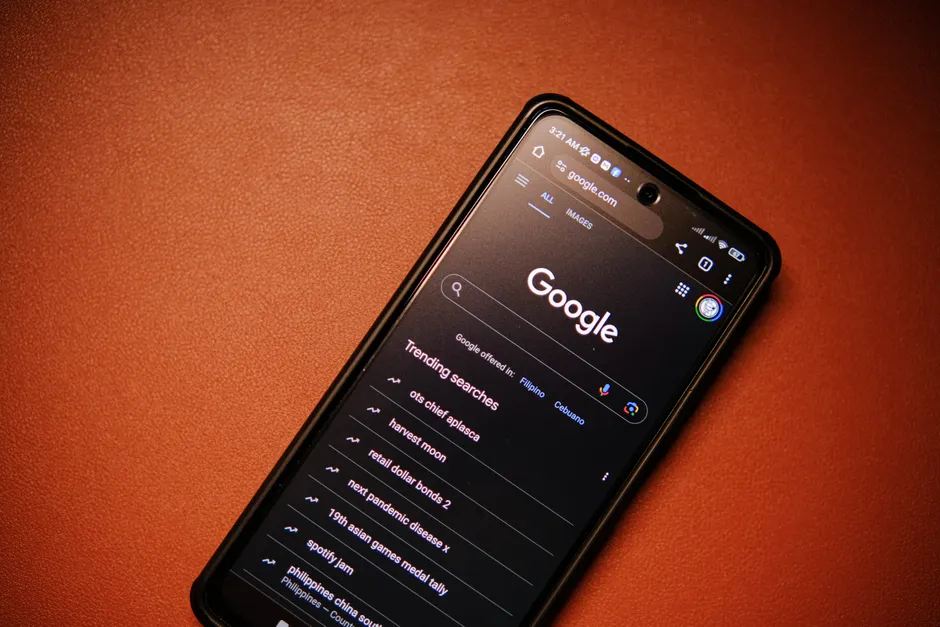
Google Discover is the row of article recommendations you see when you open the Google app or a new tab on your phone. Until now, it has figured out what to show you based on your activity across Google's search engine and apps. The new chatbot adds a way for you to directly tell Google what you want, rather than relying solely on what it guesses.
This is part of a larger set of personalization changes Google has been making. In September 2025, the company announced new ways to personalize Discover so users could keep up with creators and publishers they care about Google Blog. In January 2026, Google announced Personal Intelligence in AI Mode, which uses context from your Gmail and Photos to give you more tailored search results Google Blog. At its I/O conference in May 2026, Google declared the "era of Search agents," letting users create and manage multiple AI assistants for tasks directly in Search Google Blog.
Alongside the Discover chatbot, Google announced the ability to personalize daily audio briefings in the Google News app on Android. It also updated its Preferred Sources feature so publishers can place an interactive button on their own websites. When readers tap it, the publisher gets added to their preferred sources list without leaving the page. The Verge
Google is also bringing AI Overviews into the Discover feed in the U.S., focusing on lifestyle topics like sports and entertainment Mashable. Separately, Google has been using AI to rewrite the headlines and summaries of news articles in Discover, rather than showing the original text written by publishers Nieman Lab.
The broader context here is that Discover is getting three AI changes at once: new controls that let you shape what you see, AI-generated summaries placed on top of the feed, and AI-rewritten headlines for existing articles. Each one touches a different part of the experience. Together, they turn Discover from a simple recommendation list into something closer to an AI-managed content layer where Google controls what shows up, how it's summarized, and now how you customize it.
The chatbot design choice is also worth noting. Google could have used simple checkboxes or topic lists, which is how most apps handle preference settings. Instead, it went with a conversational interface where you describe what you want, the system confirms it, and you can keep adjusting. This is the same approach Google is building into its AI Mode and Search agents, suggesting the company wants chat to become the normal way you control personalization across its products.
For publishers, there are two sides to this. The Preferred Sources button gives them a simple way to connect with readers directly from their own websites, which could help them build a lasting audience within Google's ecosystem. But the AI headline-rewriting practice means publishers have less say in how their content looks once it appears in Discover. A publisher's original headline might not be what a reader actually sees, and the new chatbot customization gives users even more power to shape what appears based on preferences that Google interprets and applies.
Looking at the full picture, Google is steadily adding AI between you and the content you consume. From personalized search suggestions based on your past searches, to AI tapping into your Gmail and Photos for context, to AI agents in Search, and now to a chatbot that customizes your Discover feed, the pattern is consistent: you describe what you want in everyday language, AI interprets it, and Google applies it across its products. The Discover chatbot is a small feature on its own, but it brings this approach to the one place where you weren't searching for anything at all, just scrolling.