Amazon's New Kindle Buttons Let You Turn Pages Without Tapping
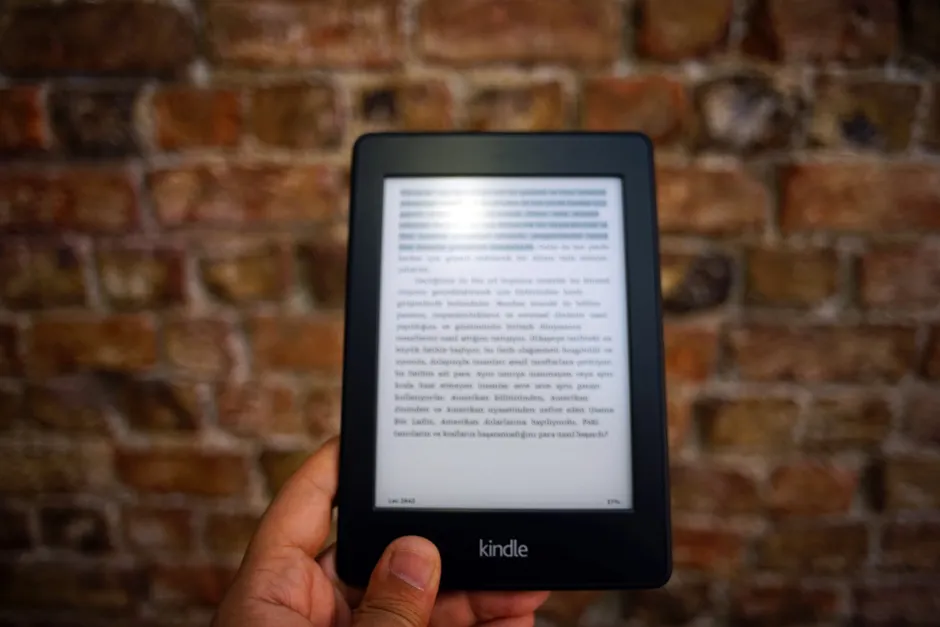
Amazon has announced three new Kindle extras built around real buttons and simple charging. The lineup includes the Kindle Click, the Page-Turn-Cover, and a charging stand, all scheduled to be ready to ship on October 28 Engadget.
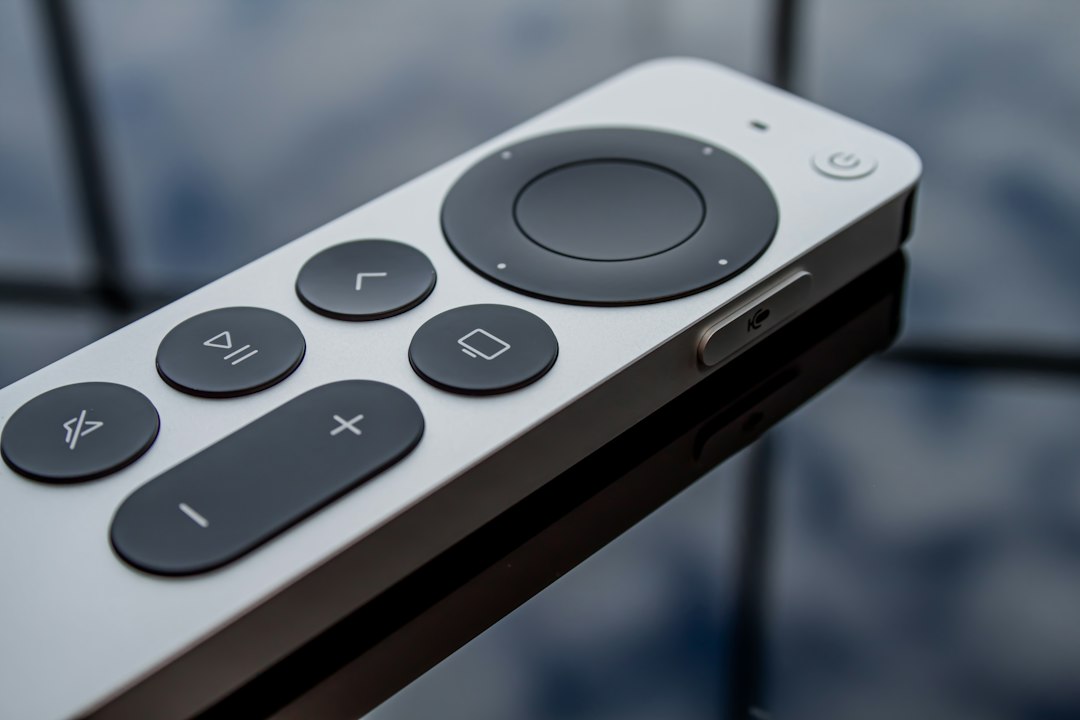
The Kindle Click is a small remote that links to a Kindle over Bluetooth, the short wireless connection used for headphones. It has two buttons of the same size, one to go back and one to go forward. It comes with a wrist strap. Amazon says it works with all Kindles now on sale and all new models introduced alongside it.
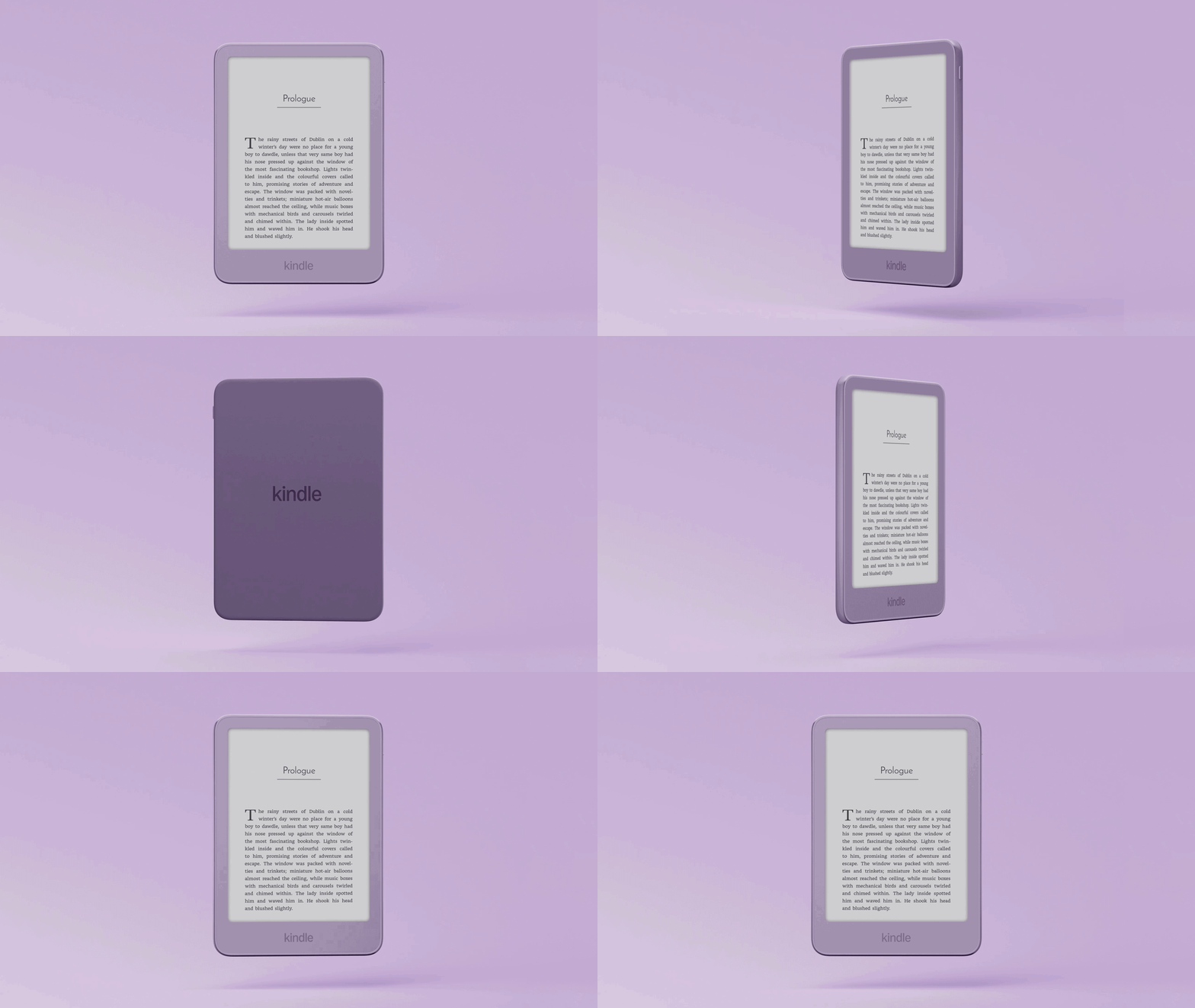
The Page-Turn-Cover is a cover with page-turn buttons built in. It snaps on with magnets and costs $80. It works only with the new Paperwhite and Colorsoft Signature Edition models that have pogo pins, small metal contacts that pass power.
The third item is a charging stand for those Paperwhite and Colorsoft Signature Editions. It charges the reader through the pogo pins and holds it up for hands-free reading. Like the cover, it needs Signature Edition Kindles. The Kindle Click costs $35. The extras arrive with a completely redesigned Kindle family, according to Amazon Amazon. Bluetooth works with many Kindles, while the cover and stand work only with the newer Signature models.
The broader context here is control, not just ease. Touchscreens put everything on one smooth surface but took away spots fingers can feel. Separate page buttons bring those back. That helps grip, posture and one-handed use. It can also cut mistaken taps and swipes.
In my view, the design trade-off is the interesting part. Bluetooth lets the Click work with many Kindles, old and new. The cover and stand use pogo pins instead. That limits them to fewer models but gives firm fit and power with no pairing and no extra charging.
Worth flagging for accessory designers is use without looking. Readers do not stare at the remote while reading. Same-size buttons mean less need to check by eye, and magnets place the cover in the same spot each time, better than a friction fit. The pins line things up and carry power when you dock.
Looking at everyday use, the stand finishes the idea. A propped-up reader plus a remote allows longer hands-free reading. That helps on a desk, counter or nightstand.
The pattern over time here is that e-readers get better by removing small annoyances, not by adding features. Buttons and a dock do that. If they work well, people will likely read longer.