ChatGPT Just Got Much More Visual — and You Can Touch It
OpenAI launched a new look for ChatGPT called Intelligent UI alongside its new GPT-6 system on October 7, 2026. TechCrunch The company described the release in a product announcement titled "GPT-6 and Intelligent UI for everyone" published the same day. OpenAI The rollout is worldwide.
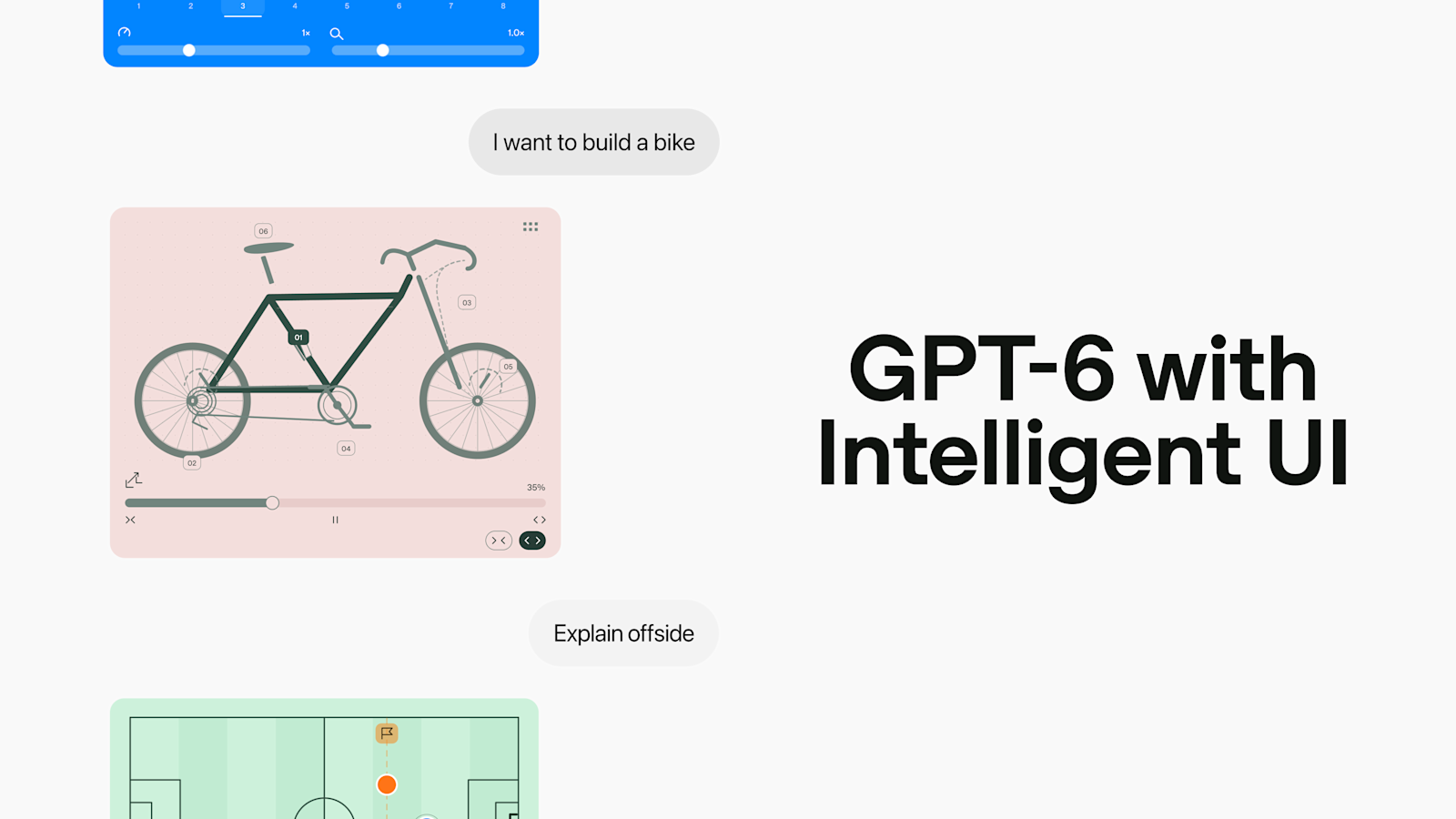
Instead of answers made only of text, ChatGPT can now show pictures you can use. The set includes buttons you can tap, small calculators for specific jobs, charts you can explore, and graphs you can change. You stay in the same chat and work with the answer there.
Who gets it first depends on plan. Intelligent UI is rolling out globally with GPT-6 for Pro, Plus, Business, and Enterprise users. People on the Free plan and the cheaper Go tier get access Thursday.
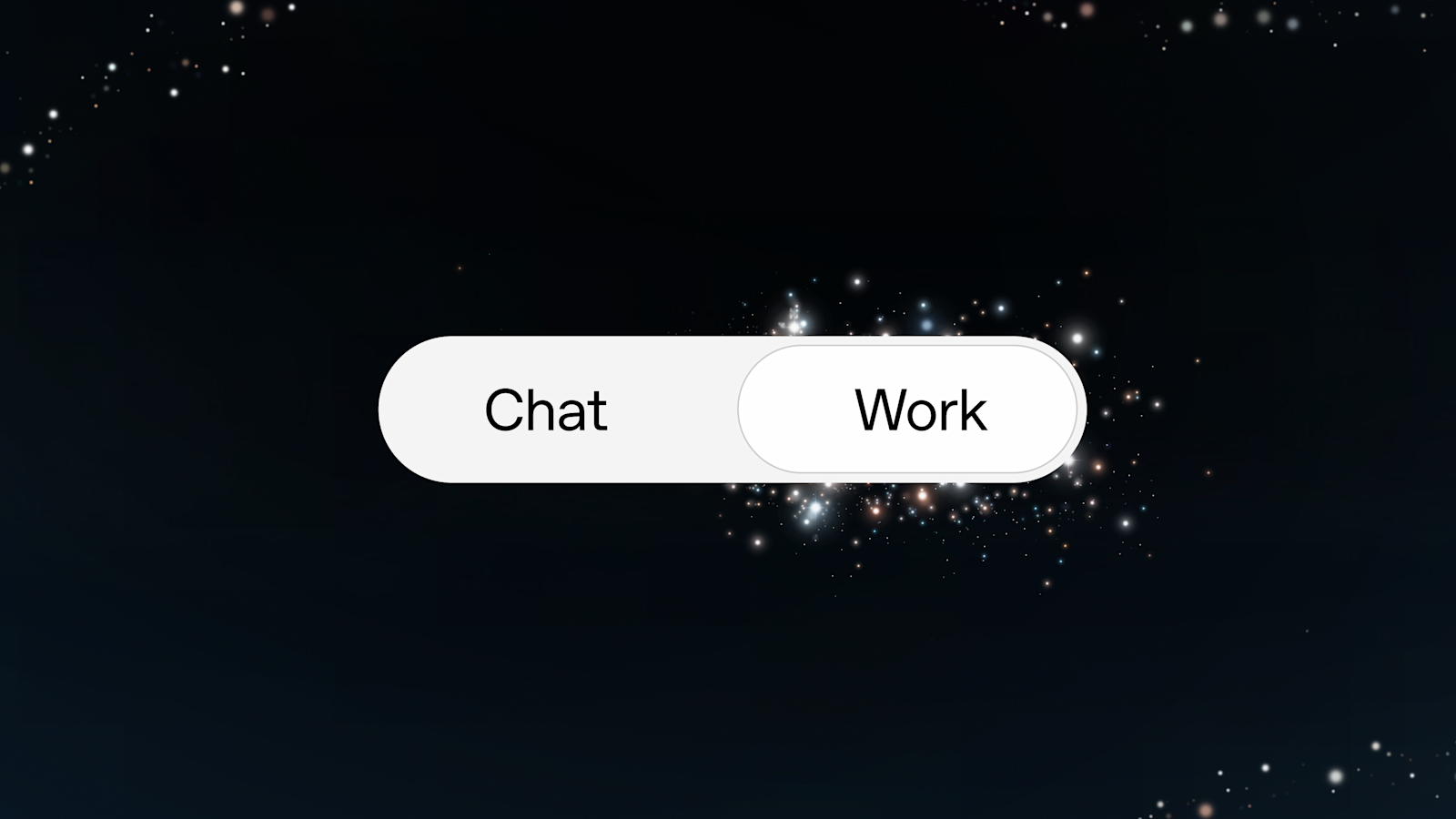
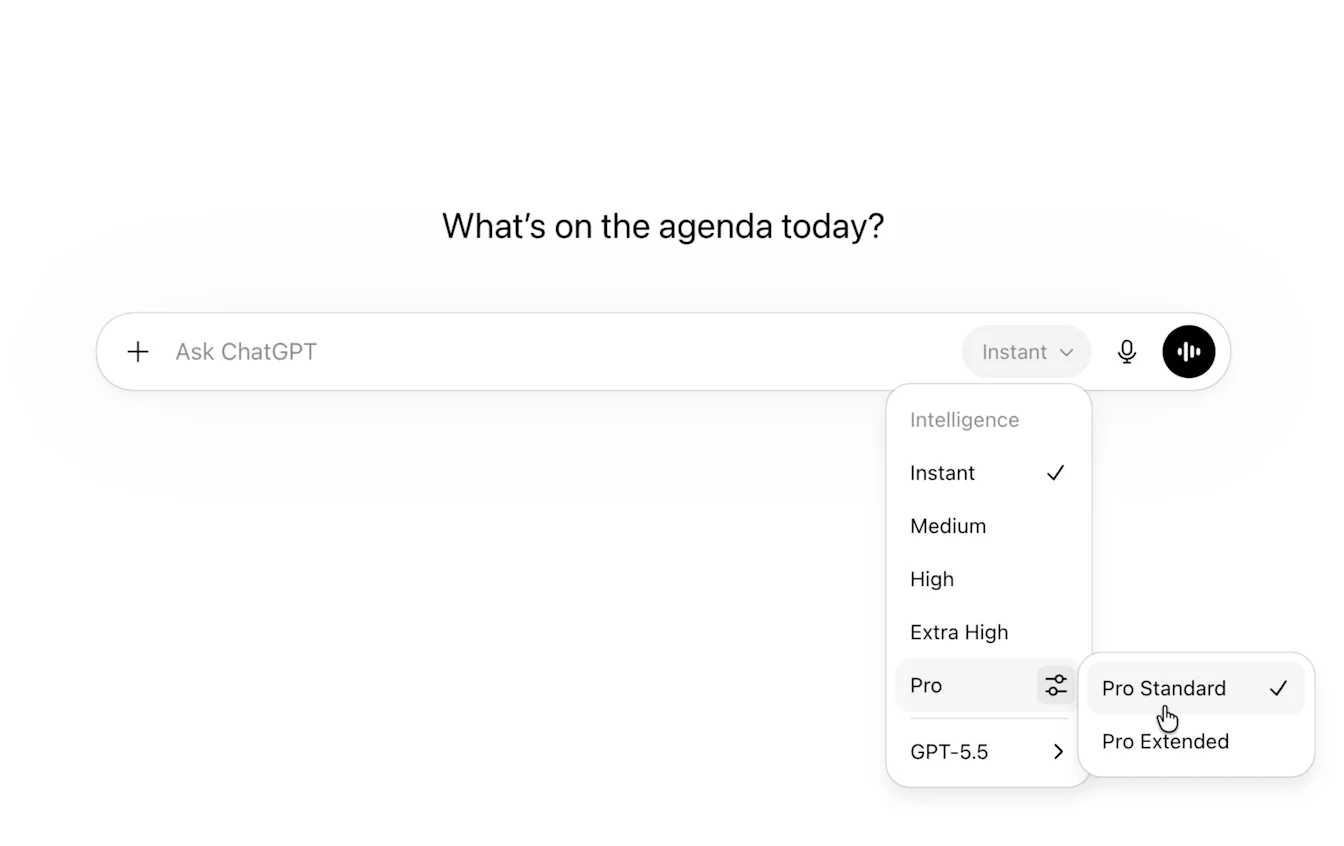
You can turn the pictures down if you want less. OpenAI says the aim is to make hard topics easier to learn. Aarush Selvan is a product manager at OpenAI.
In one example, Intelligent UI made diagrams to explain how an airplane wing creates lift. That idea is hard to put into words alone and easier to show in pictures. Users can change the picture and ask questions about it instead of looking at one still image.
This follows a longer change from plain text to a workspace that mixes text and tools. OpenAI described Canvas as a new approach and the first major update to ChatGPT's visual interface since its launch two years earlier when it introduced the feature in October 2024. OpenAI Canvas was in early beta at introduction. In October 2025, OpenAI introduced apps in ChatGPT together with a new Apps SDK, with apps responding to plain requests and including interactive screens usable directly in chat. OpenAI In March 2026, the company added interactive visual explanations for math and science in ChatGPT to help explore formulas, variables and concepts. OpenAI
The broader context here is that the change is closer to a workbench than a letter. Buttons, calculators, charts and editable graphs remember their settings. A calculator keeps what you typed. A chart stays linked to its numbers. A graph keeps its model. That lets you keep working in the chat without moving to another tool, copying numbers, or starting over.
In my view, the control to turn visuals down is as important as the visuals. Too many pictures can make answers harder to read and cost more computer power to make. A dial, rather than a simple on-off switch, shows OpenAI expects people to want different mixes of words and pictures for different jobs. I have seen my own children learn faster when they can move a slider and watch what happens.
Looking ahead, the test for teams that make internal tools, guides, training, or data reviews will be simple. It either shortens the time to understand something, or it does not. Learning looks like the first place where a model you can touch teaches more than a paragraph.