Using an Apple Watch With Android? Merge Watch Offers a Partial Bridge

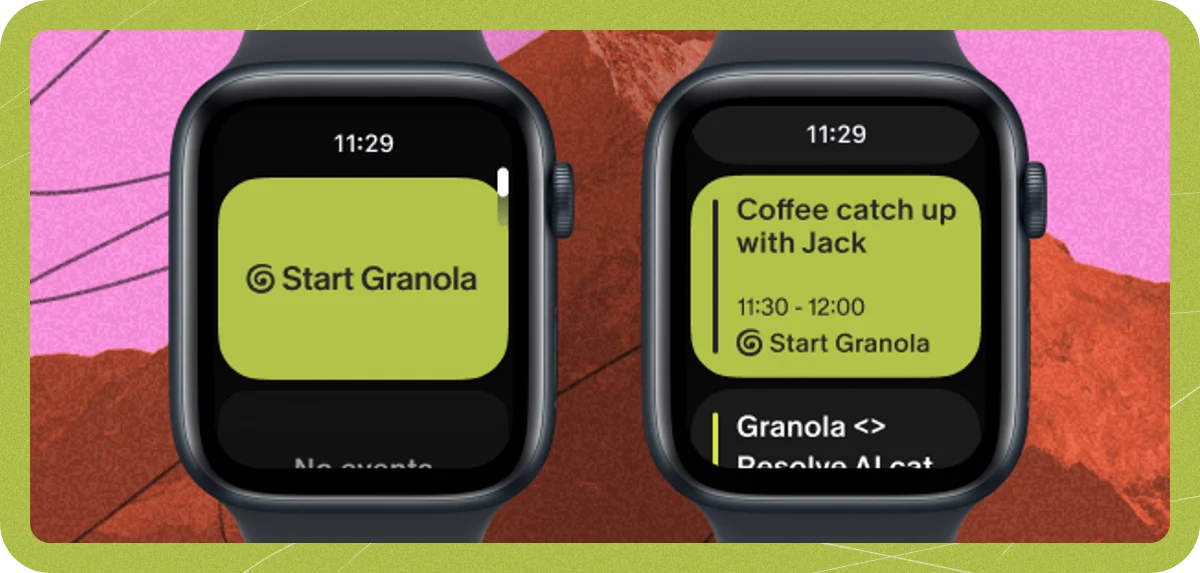
Apple Watch still has no direct way to pair with an Android phone, but a third-party app called Merge Watch claims to connect the two. Engadget
An iPhone is still required at the start. The watch must first be set up with an iPhone, which keeps Apple's activation process and Apple ID link in the loop. Only after that can the Android connection begin.
Setup uses both app stores. Merge Watch is installed from the App Store on the watch and from the Play Store on the Android phone. On Android, it requests Bluetooth access, health data access, notification access, and permission to keep running in the background without normal battery restrictions.
Pairing is simple. You tap the phone's name on the Apple Watch and type a six-digit code into the phone. From there, the two stay linked over Bluetooth, with the Android app passing data back and forth and handling settings.
For health, Merge Watch copies Apple Watch data into Google Fit, which is Google's health app. ECG readings and detailed sleep data from the watch can then be viewed on the Android phone. There is no Apple Health app on Android, so Fit becomes the main record for that data.
Notifications and music use the same pass-through method. Android notifications are sent to the Apple Watch, and messages can be answered from the watch. The Android app lets you turn off notifications for each app separately. Music playing on the phone, from Spotify or other apps, can be controlled from the watch.
There are built-in limits. Notifications arrive through the Merge app, not as standard watchOS notifications. A watch connected this way loses some features, as previously documented by Android Police. Earlier methods for using an Apple Watch with Android needed the cellular model, which can work partly on its own once mobile service is set up.
The broader context here is why this kind of helper app exists. Apple tested Apple Watch support for Android phones but stopped the work, according to Mashable. The Play Store shows the leftover demand, with several different listings called ‘Apple Watch for Android’ and ‘Apple Watch App for Android’ under different package IDs. That clutter makes it hard to find and trust a working option.
Looking at what this means in practice, the permission list deserves close attention. Notification access plus health data plus steady Bluetooth plus freedom from battery limits is a powerful combination on Android. That level of access is needed for alerts and background sync to work, but it also makes the relay app an attractive target and a single point where things can fail. Work users with strict rules, work profiles, or limits on health data sharing should test how it fits with those policies before recommending it.
In my view, Merge Watch is best seen as a practical workaround, not full compatibility. It does not replace Apple's Watch app for pairing, setup, updates, or full system connection. It keeps an already activated watch useful after a move from iPhone to Android, or in homes that use both. The encouraging part is that even a partial link extends the life of costly hardware and lets people keep health data together in Fit while still using the watch sensors they already wear.