QUAKE·SRP Puts Quake in the Browser With Your Own Files
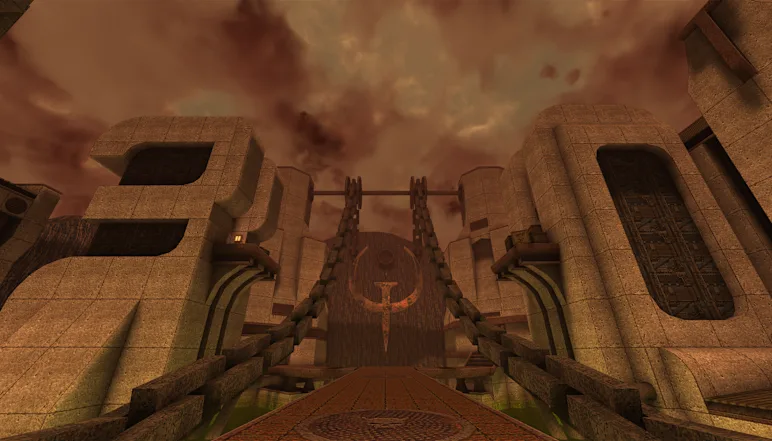
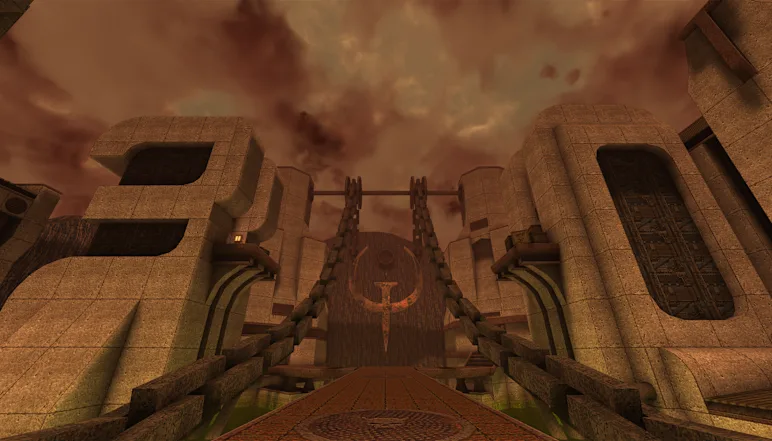
QUAKE·SRP is a browser-based loading interface for the Quake engine, available in that form on 2026-10-09. It is not a marketing page or documentation hub. It is a runtime shell waiting for input.
Entry requires direct action from the visitor. The page asks users to click or press Enter to start, press any key for the menu, and click to capture the mouse. Separate controls for fullscreen, sound and keys are shown. That order is deliberate. Browsers block mouse capture, where the game takes over full mouse movement for looking around, and audio output until the user acts. The start gesture releases both.
The site asks users to supply their own Quake data, listing pak1.pak, a mission pack's pak0.pak, and music files. The model is bring-your-own assets. The engine code loads in the browser, while the game data stays with the user until it is dropped in. QUAKE·SRP
The broader context here will be familiar to anyone who has ported a native game to the browser. Input causes most of the trouble. Mouse look needs stable pointer capture and sensible sensitivity. Fullscreen affects scaling and how focus and alt-tab behave. Sound brings device choice, delay, and unlocking after a gesture. Key bindings must work across keyboard layouts and avoid conflicts with browser shortcuts and operating system shortcuts. Putting fullscreen, sound and keys on screen cuts down basic support work. It also tells an experienced user those failure points were considered.
The runtime and the game files are handled separately. The runtime can be served as simple static web files and updated on its own. The assets are supplied by the user through drag and drop in the browser, and do not need to pass through a server for a session to run. The loading screen itself does not explain how large files are held in memory, whether saves and settings survive a reload, how music files are linked to levels, or how incomplete or damaged files are handled. Those details decide whether a loader becomes a regular tool or a curiosity.
In my view, the striking part is how little setup remains. There is no installer, no launcher update chain, no platform gatekeeper. Open a URL, allow input and audio through standard browser permissions, add files you already hold. That drops the cost of trying it to almost zero, which helps preservation. Old multiplayer shooters stay alive when the gap from curiosity to walking around a map is seconds rather than an evening of setup. My kids were a good test here. They would try anything that loaded at once and drop anything that did not.
Worth flagging in the same practical spirit is the trade-off. A browser build inherits browser limits. Tab throttling, power management, blocked graphics drivers, interfering extensions, and changing rules for autoplay and pointer lock can alter behavior even when the engine code has not changed. A native install shields the game from those shifts. A web version moves with them. That means steady maintenance is required for long-term community use, even if the old game logic stays fixed. The payoff is portability across machines that could never share the same install files, including locked-down laptops and short-lived cloud desktops where installing software is not allowed.