Chrome's Autofill Can Now Pull Tracking Numbers and Bookings From Gmail
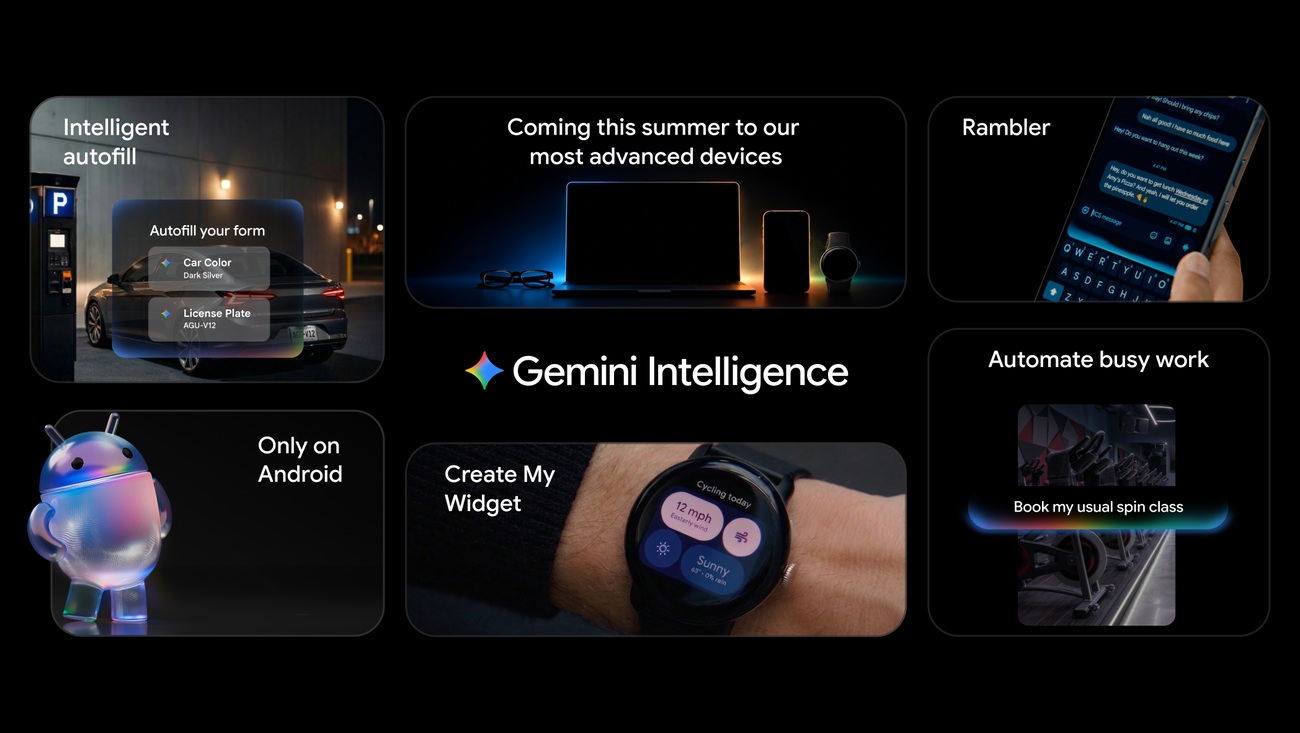
Google has started rolling out an enhanced autofill in Chrome that uses Gemini with Personal Intelligence to suggest information drawn from users' Gmail, according to The Verge, which reported the rollout on 28 October 2026. The improvements are launching in the US.
The feature goes beyond the saved profile data Chrome has long used. According to the report, enhanced autofill can retrieve a shipment's tracking number, travel details such as a flight booking number or hotel reservation, and the order number of a recent purchase, then insert them into web forms. Access depends on the user having Personal Intelligence turned on. Personal Intelligence is Google's opt-in layer that lets its Gemini assistant draw on data across Google's apps. The Gmail-sourced suggestions are available through Gemini in Chrome on desktop, Android, and iOS.
Chrome's existing autofill already fills forms with saved names, passwords, addresses, and payment information, as Chrome's support documentation describes. The new layer changes the source of the content. Instead of drawing only on a stored profile, the browser reads the text of individual messages in a mailbox and selects the specific value a form asks for.
According to the same report, sensitive data presented as an enhanced autofill suggestion remains encrypted. Users can manage what enhanced autofill has access to in Chrome's settings, or turn the feature off completely.
The feature builds on Personal Intelligence, which Google has been extending across its products. In March 2026, TechCrunch reported that the capability was expanding to all US users, with Personal Intelligence available in AI Mode in Search and rolling out in the Gemini app and Gemini in Chrome. Google has said the feature connects information across Google apps, including Gmail and Google Photos. In July 2026, Android Authority reported that Google was testing a Chrome Canary build, an early experimental version of the browser, with an autofill upgrade that fills web forms using information from across a user's Google account.
The autofill change is one part of a wider expansion of Gemini inside Chrome. In January 2026, Bloomberg reported that Google was launching an AI assistant in Chrome that can open websites and click around on a user's behalf. In May 2026, Google said it was bringing Gemini in Chrome, including auto browse, to Chrome for Android, and that Gemini would use Personal Intelligence to automatically fill text fields across apps on Android. Google's Gemini in Chrome materials describe auto browse as able to fill a shopping cart and book a reservation.
The broader context here is a shift in where personal data gets read. A mailbox holds confirmation numbers, receipts, and itineraries, and until now users typed those values into forms by hand or copied them between tabs. Moving that lookup into the browser removes steps from checkout and check-in flows. It also places the browser, which already holds passwords and payment details, in a position to read the messages that produce those details. The safeguards named in the report, encryption of sensitive suggestions, per-category access controls, and a full off switch, address the handling of that data. Whether users keep Personal Intelligence on, and which accounts and categories they leave open, will determine how much of the new capability actually reaches their forms.
In my view, the question worth watching is less the accuracy of a single suggested tracking number than the defaults and the granularity of the controls over time. Autofill has always been a convenience that works best when the user understands exactly what the browser may read. A feature that moves from profile fields to message contents raises the value of that understanding.
For users who travel, buy online, and manage a steady stream of confirmation emails, the immediate benefit is concrete: fewer lookups, fewer copy-and-paste errors, and forms completed while the user is still on the page. That is the outcome the report describes, and it is the one most likely to matter to ordinary users first.


