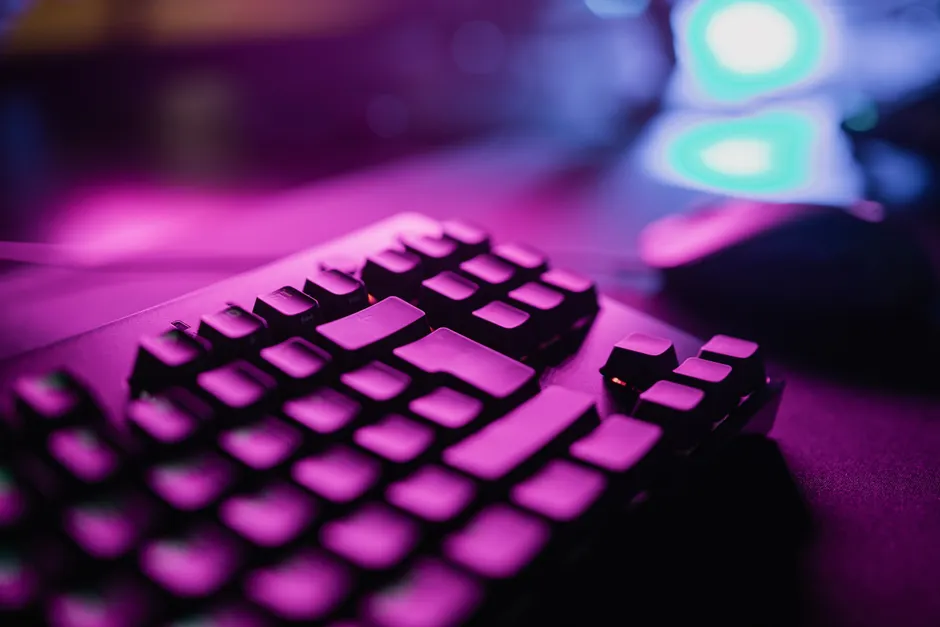
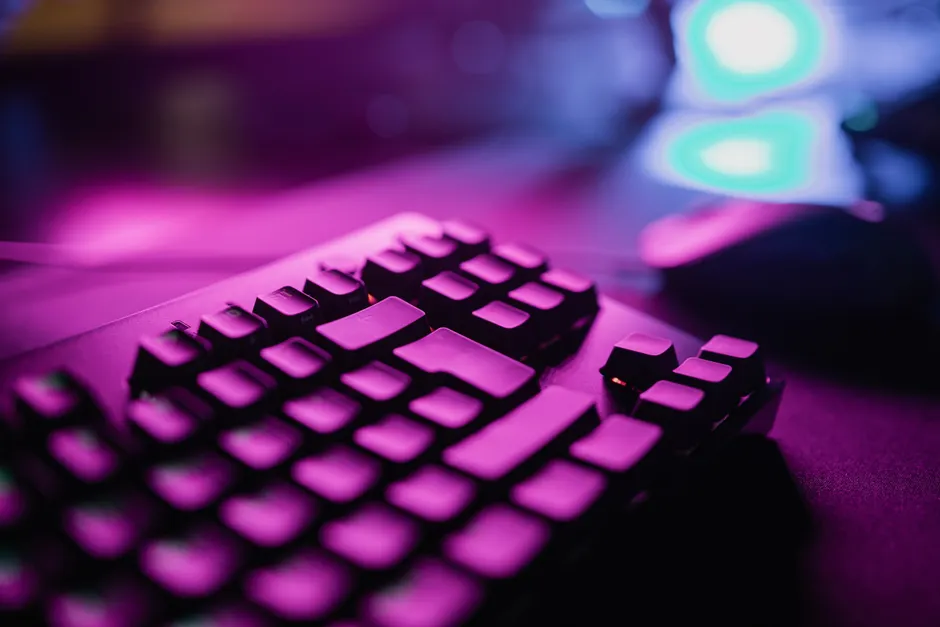
A Tiny Gaming Keyboard You Use With One Hand
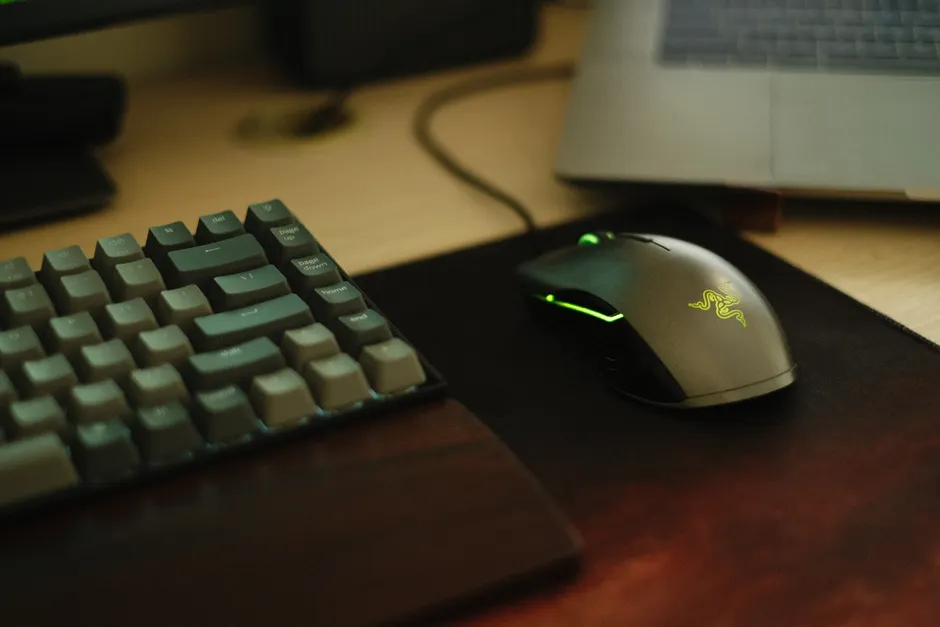
Razer has released the Tartarus V2 Pro, a small gaming keypad you operate with one hand. It costs $200 and is available now, according to Engadget.
The pad has 31 keys and buttons. You can set each one to do a different command. It is not laid out for normal typing like QWERTY, the standard keyboard layout. You set it up in Razer's Synapse program. Each key can light up in its own color.
The main change is how the keys sense a press. Razer now uses light-based switches with a wider range for when a press counts. You can choose whether a key fires with a light tap or needs a deeper push, like deciding how far to press a car pedal before the car moves. The pad also has a small thumb control, called an analog TMR thumbpad, that senses gentle versus firm movement instead of just on and off.
It ships with a wrist rest you can adjust. The rest is meant to keep your hand lined up over the keys during long sessions. Since your hand stays in one spot and does not move across a full board, the height and angle of the rest matter more than on a normal keyboard.
Two setup options come with it. Snap Flex lets one press trigger two keys. Snap Tap stops two chosen keys from firing at the same time. Both are set in the same key setup screen, according to Engadget.
The broader context here is why a one-handed pad still sells next to full-size, TKL, and 60 percent boards, which are simply smaller versions of a normal keyboard. A fixed cluster gives up typing to cut hand movement, pack shortcuts close together, and keep fingers in the same place. That can mean fewer mistakes under pressure in MMO ability rotations, simulator controls, and creative app shortcuts. For shooting games, the point is keeping WASD-type movement and extra actions under one hand with even spacing.
Looking at what this means for input design, the mix is gradual sensing plus software rules for presses. You can keep fast, light taps separate from deeper, careful presses on the same keys. The thumb control adds gradual input that normal on-or-off keys cannot give. Snap Tap and Snap Flex sit on top of that sensing to settle conflicting or ordered presses in a fixed way.
In my view, that layering is worth flagging. Makers have spent years pushing polling rates, or how often a device checks in with the PC, plus light sensing and rapid trigger, where a key resets as soon as you start to lift. The next step is less about raw speed. It is more about handling messy human input cleanly. Stopping opposite strafe keys from firing together is one example. Tying a two-part action to how deep you press is another. Both cut down on fixes users once made in software or habit.
For technology professionals weighing the V2 Pro, the practical questions are direct. How steady is the wider press window across keys after recalibration, or resetting the sensing. How much delay do gradual sensing and Synapse setup add compared with direct HID output, the normal USB path for inputs. How well saved profiles hold across computers and game starts. And whether the thumbpad is precise and centered enough to replace a stick or hat switch users already trust.
What this enables, if those details hold, is a small surface that works less like a cut-down keyboard and more like a purpose-built console. Thirty-one settable inputs with individual lighting, adjustable press depth, gradual thumb input, and fixed multi-key handling is a wide toolkit for a device where the hand never has to move.