Nintendo Switch Gets Quality-of-Life Updates in System 21.0.0

Nintendo Switch Gets Quality-of-Life Updates in System 21.0.0
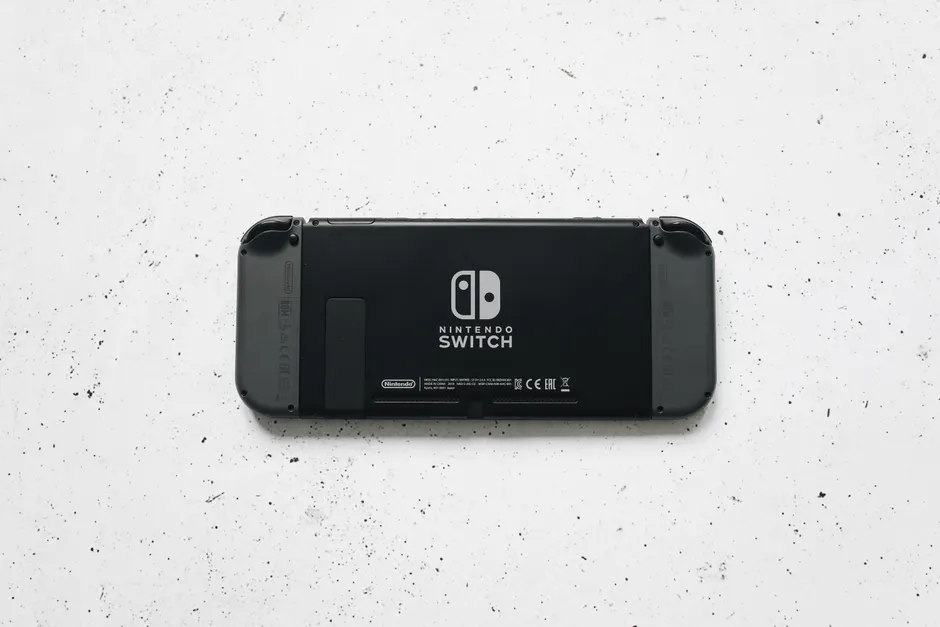
Nintendo has released system update 21.0.0 for all Switch models, focusing on two practical improvements: a clearer display when adjusting screen size, and refinements to how notifications work, according to Nintendo's official support documentation.
The screen adjustment feature addresses a real friction point. When you dock your Switch on a TV or monitor, the console needs to know where the actual image edges should be — some screens don't automatically tell the Switch where to draw those boundaries cleanly. The updated adjustment tool gives you better visual feedback as you move the boundary sliders, cutting down the trial-and-error that made fine-tuning tedious on earlier versions.
The Notifications update is more opaque. Nintendo describes it simply as "updates to Notifications" without explaining what changed underneath. Whether this affects how push notifications are delivered, how they appear on screen, or the backend systems handling them remains undocumented. For most players, the day-to-day difference will probably be invisible. Developers building apps or services that send alerts to Switch users might want to monitor whether the update changes how notifications behave in practice.
These updates fit Nintendo's established pattern for Switch maintenance — steady, small improvements rather than headline feature drops. The Switch is now in its ninth year on the market, and Nintendo has been quietly improving it through dozens of point releases. Over time, those incremental updates have accumulated: wireless Bluetooth audio support, expanded cloud save options, local wireless improvements, and many smaller fixes.
The update rolls out automatically to all Switch hardware — the original Switch, Switch Lite, and Switch OLED. If you have automatic updates turned on, it will download and install on its own. Manual update users can trigger it from System Settings.
Nintendo's release notes mention no stability fixes or performance changes beyond the two features listed. This narrow scope is typical of how the company handles minor updates — focused, clearly defined, and low-risk for a console with millions of active players ahead of the Switch 2 launch later this year.
What this means in practice is straightforward: if screen calibration has been annoying for you, this update should smooth that experience. If you haven't noticed notification quirks, you probably won't notice this one either. Neither change breaks new ground, but both reflect how mature platforms tend to evolve — less about new capability, more about making existing features work better.