YouTube's Conversational Editor Turns Typed Instructions Into a Rough Cut
YouTube has announced a conversational editing tool that lets creators edit video with natural-language instructions. The company unveiled it at its Made On YouTube event, according to TechCrunch.
It is built for both long-form video and Shorts. Creators work in a chat interface and ask the AI to assemble footage. The point is to describe the result you want rather than building every clip, cut, and effect from a blank project.
Early capabilities cover basic assembly and cleanup. The tool can select best takes, add music, and add transitions on request. It can add text overlays and remove speech pauses. It can also make suggestions from earlier conversation, so chat history becomes part of the workflow.
The chat is not the only option. Users can switch to the editing timeline to adjust the result by hand. The timeline stays. That preserves frame-level control after an AI pass.
Release is planned, not immediate. Conversational editing will reach YouTube Shorts and the YouTube Create app in early 2027, according to TechCrunch.
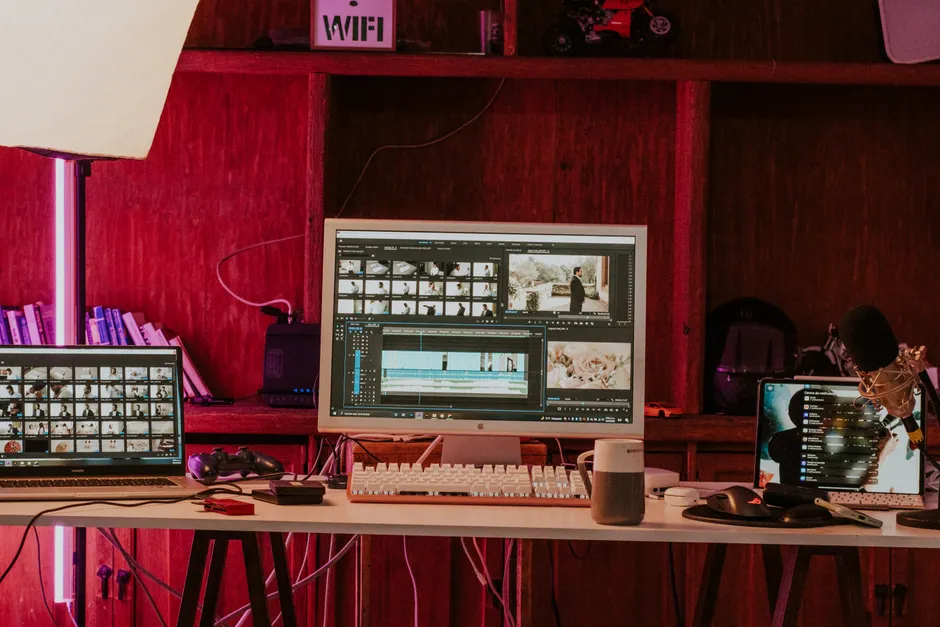
The broader context here is where iteration happens in post-production. Conventional editing, called NLE or non-linear editing, keeps decisions on the timeline, with clip bins, preview windows, tracks, waveforms, and keyboard trimming. Prompt-driven assembly moves the first pass into language, packing footage review, shot selection, and rough-cut building into one conversational loop. For working editors, the test is not whether language can place a cut with frame accuracy. It usually cannot. The test is whether it can make a usable assembly fast enough to focus later timeline work.
In my view, the timeline fallback is the most important detail disclosed so far. Chat-only tools struggle with precise tasks like trim points, pacing, audio continuity, and overlay placement. Keeping timeline access treats conversation as a control layer over standard editing, not a replacement. That eases blank-timeline friction for new creators while leaving final judgment with the human operator.
Looking at what this means for Shorts and Create, the fit is clearest for speed and repetition. Short-form work rewards fast selection, standard transitions, music beds, text treatment, and speech cleanup. Those suit instruction-based defaults plus manual correction. Long-form raises harder issues of continuity, structure, and sound, where suggestions will depend on how much conversational context the system keeps and how transparent its choices are on the timeline. If it holds up in practice, the upside is less time on mechanical assembly and more time for structure, pacing, and story.


