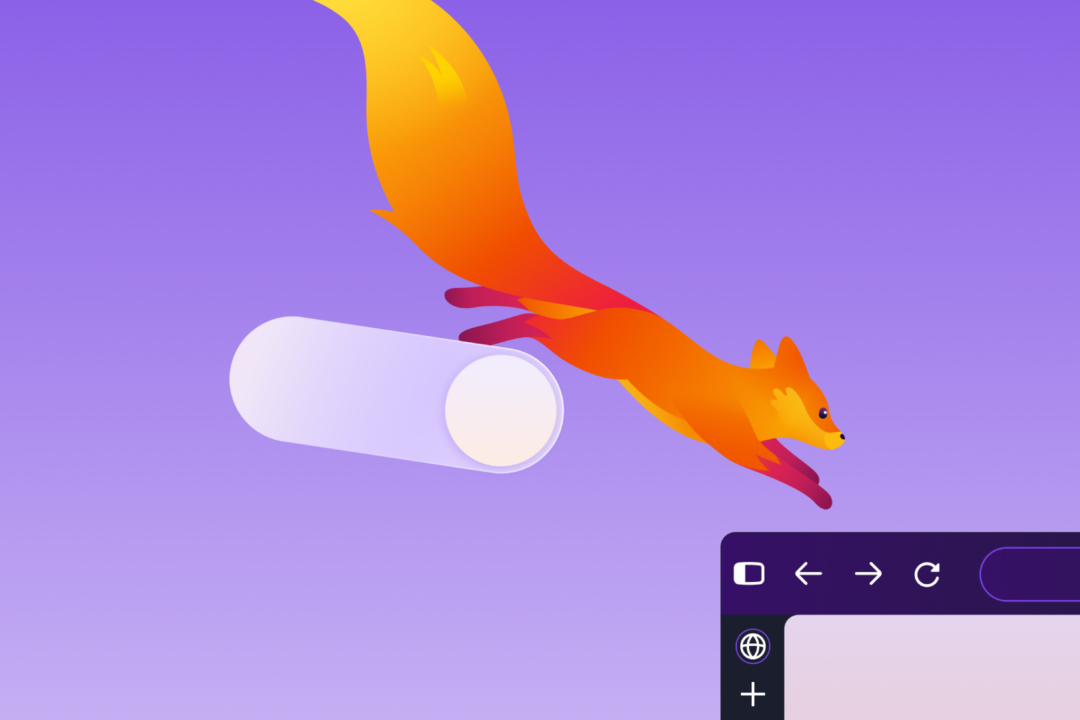
Firefox 157 Unifies Desktop and Mobile Design and Restores Compact Mode

Mozilla released Firefox 157 on September 29 with a unified redesign for desktop and mobile and the return of Compact Mode after user requests. The Verge
The refresh focuses on shape and spacing, not layout. The address bar is rounded. Tabs have a floating, bubble-like look. Colors, icons, themes and wallpapers are refreshed. Phone and desktop versions now use the same design language. Underneath, Mozilla rebuilt toolbars, the sidebar, menus and other parts with its updated design system, a shared set of building blocks for the interface. Mozilla says there is no performance cost.
Compact Mode is the most practical change for desktop users. It shrinks tabs and the toolbar and tightens spacing, leaving more room for web pages. It includes an auto-compact setting for smaller screens. Mozilla says it helps on small displays and in split-screen layouts. Mozilla
That return ends a long workaround period. Mozilla Support still has a page called "Compact mode workaround in Firefox" that explains how to switch it on, while saying the method is unsupported and recommending normal mode. That page is now effectively replaced by a supported setting in 157.
Customization gets wider. Mozilla previewed a dozen theme colors in May, each with light and dark versions. Version 157 adds new built-in themes with light and dark versions for one-click changes. On the engineering side, Irene Ni restored theme matching for New Tab menus by reapplying theme-aware CSS variables, small style values that let menus follow the active theme. These Weeks in Firefox
The sidebar change is mandatory. The new sidebar is on for everyone. The "Show sidebar" option is gone from Settings. Users and administrators who need the old sidebar can set sidebar.revamp to false in about:config, a behind-the-scenes settings page, until the end of 2027. That fallback also turns off vertical tabs. A related fix in 157.0a1 solved a Nightly issue where the Vertical Tabs sidebar did not reappear when the cursor moved to the screen edge in full-screen mode. Nightly Notes
Search and address bar behavior also changes. Amazon is no longer a built-in search engine, but it can be added manually as a custom engine. Firefox Suggest, which shows suggestions in the address bar, is now available in Austria, Belgium, Czech Republic, Denmark, Finland, Hungary, Ireland, Luxembourg, Netherlands, Norway, Poland, Portugal, Slovakia, Spain, Sweden and Switzerland. Pressing Tab now jumps straight to the address bar text field. The search engine button is still reachable with Shift+Tab.
Daily reliability fixes matter more than the visuals. WebRTC, the technology behind in-browser video calls, can now use hardware AV1 decoding on supported devices instead of software-only decoding. That should lower processor load and battery use during calls. Two video bugs are fixed: some 8-bit HDR videos looking dull and gray on Windows instead of showing in HDR, and phone and tablet video appearing sideways or upside down in calls. Firefox now also warns in the site information panel and Settings when it is set to record encryption keys, the temporary secrets used to protect secure connections.
The release steps were public. Mozilla published Beta and Developer Edition notes for 157.0beta on September 14, previewed the look on September 24 as floating tabs with cleaner design and more customization, and explained the thinking in May in a post titled "Inside the new Firefox design: speed, privacy, and customization" that described more rounded and consistent parts and tabs with a softer shape and subtle gradient. Mozilla Design Blog
The broader context here is familiar. Browser makers moved to rounded, roomy interfaces built for touch and large screens, then heard from desktop users who want dense information on screen. Mozilla tried to retire compact density, left an unsupported path in place, and has now made it a supported option with automatic behavior for small windows.
In my view, the compromise is carefully scoped. Mozilla kept one design system for desktop and mobile, added density as a mode rather than a separate branch, and kept a temporary about:config path for the old sidebar with a clear end date. That limits fragmentation while giving businesses and power users time to adjust vertical tabs and sidebar add-ons. I have watched my own children accept larger, looser interfaces without complaint, while colleagues who live in split screens and ticket queues treat every vertical pixel as budget. Both responses make sense. Auto-compact is the bridge.
What this enables, if the performance claim holds, is a Firefox that looks current on a new laptop without punishing people who keep 30 tabs open on a 13-inch screen or in a tiled window. The Suggest expansion, hardware AV1 support, and HDR and orientation fixes point the same way. Less interface, less processor work, fewer broken pixels.