Firefox Redesign Rolls Out: Themes, Sidebar and What's New
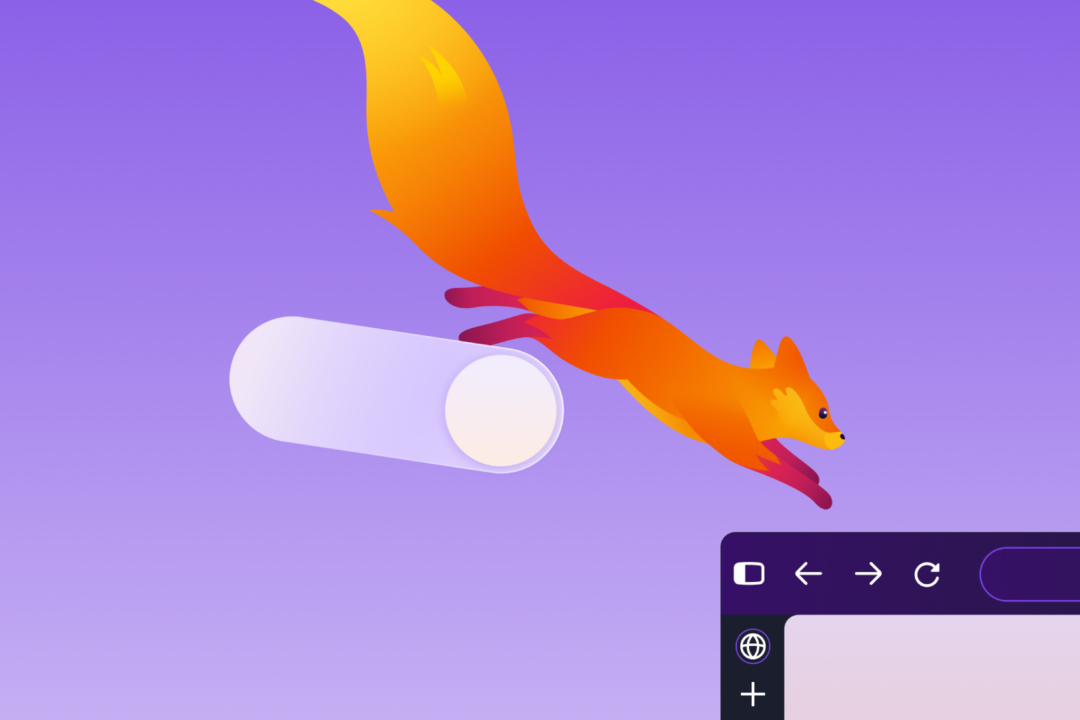
Mozilla started rolling out a redesigned Firefox to all desktop and mobile users on Sept. 29. The company announced general availability in a post titled 'The new Firefox design: More modern, more flexible, still Firefox' Mozilla.
The release follows several months in Nightly, Firefox's early test version where volunteers try changes before wide release. Mozilla calls the effort the Nova redesign internally. That schedule is routine. Visual changes are tested in Nightly, then move through stages to release.
On desktop, the refresh covers toolbars, sidebar, menus and individual features. It is built with Mozilla's updated design system, the shared rules for layout, type and color. Themes, icons and colors were updated as part of the work Engadget. Mozilla calls it its biggest visual refresh in years.
Customization is central. The redesign includes a theme picker with wallpaper options, including new built-in themes with light and dark versions that apply in one click. Users can arrange shortcuts on the New Tab page. Compact mode is back. It tightens toolbar and tab spacing to leave more room for web pages, which Mozilla says helps on smaller screens and in split-screen layouts.
Privacy settings are easier to find in the new layout. Tab groups, split view and vertical tabs remain available but sit one step away rather than front and center. Mozilla says the intent is a simpler default chrome, the buttons and bars around the page, with advanced tab tools close at hand.
Linux and accessibility details show the extent of the work. On Linux, the theme picker in about:addons gains a "Use Linux system theme" checkbox. Earlier in the Nova cycle, Mozilla adjusted spacing, focus rings and contrast across subpanes to improve readability and click targets.
The sidebar is the largest layout change. Mozilla has turned on the updated sidebar for all users and removed the "Show sidebar" option from Settings release notes. The old sidebar can still be restored by setting sidebar.revamp to false in about:config, the advanced settings page. That switch also turns off vertical tabs. The setting will stay available until the end of 2027.
Under the interface are functional changes. Firefox WebRTC video calls, calls that run directly in the browser, can now use hardware AV1 decoding on supported devices instead of always using software decoding. AV1 is a video format that uses less data but takes more work to decode. Firefox now shows a warning in the site information panel and in Settings when it is set to record encryption keys that could let other software read encrypted web traffic. Pressing Tab now moves focus straight to the address bar and search bar text field instead of stopping first on the search engine button.
Search and page display also shift. Firefox Suggest, address-bar suggestions from Mozilla, now appears in Austria, Belgium, Czech Republic, Denmark, Finland, Hungary, Ireland, Luxembourg, Netherlands, Norway, Poland, Portugal, Slovakia, Spain, Sweden, and Switzerland. Amazon is no longer included as a built-in search engine but can still be added as a custom search engine. Firefox alert(), confirm() and prompt() dialogs, color and date pickers, and form autocomplete drop-downs now follow the page's light or dark color scheme. For developers, Firefox now supports the at-rule() function for @supports, which lets a site check whether a browser supports specific style rules.
Mozilla is keeping advanced tab tools while making the default screen less crowded. Compact mode and vertical tabs stay available for users who want denser layouts.
In my view, that balance fits a browser whose appeal is user control rather than preset defaults. I saw that preference form early watching my kids reshape every tool they adopted. The sidebar path through 2027 gives people and workplaces time to adjust, while hardware AV1, the key-recording warning and matching dialog colors should make daily use faster, clearer and more consistent.


