ChatGPT Adds In-Chat Virtual Try-On for Shopping

ChatGPT can now generate virtual try-on photos from images you supply, directly inside a shopping conversation. The option appears anywhere a clothing listing appears in chat.
The flow works like this. Tap the clothing item, tap "Try on," then upload a selfie and a full-body photo to see yourself wearing the garment. You can also upload any screenshot of clothing, not only items ChatGPT surfaced, so viewing is separate from search. The images are made with OpenAI's ChatGPT Images 2.5 model, according to reporting dated Oct. 1, 2026 Engadget.
Scope covers both clothes and accessories found while shopping in ChatGPT. Promotional material notes a selfie alone can produce a preview. A full-body photo helps show fit and drape but is not required for a preview.
Saved items are kept in Library. Users can save products they like to their Library in the app to revisit later, which adds saved state to what was previously a temporary chat transcript. Try-on sits on top of an existing shopping system. When you ask a shopping question, ChatGPT suggests a selectable 'shopping research' option to start a guided flow, as documented by OpenAI OpenAI. That flow matches products to shopper preferences, supports side-by-side comparison inside ChatGPT, then hands off to the merchant through a link you click to complete purchase on an external site Bloomberg.
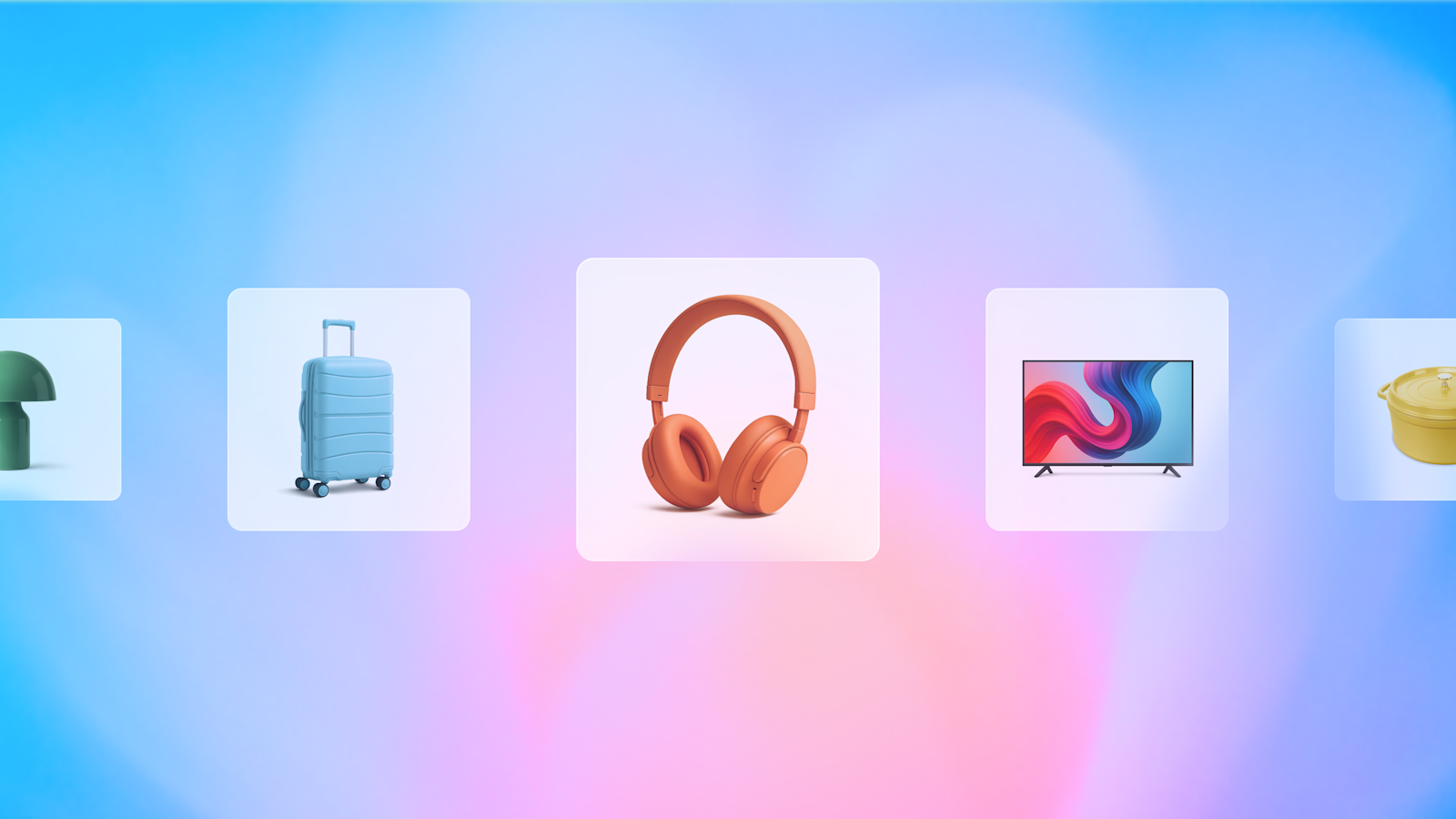
The system works like this for readers who follow how software is built. A typed request pulls matching products from a catalog. Those products appear as interactive cards in chat. One card action starts image generation, which combines photos of you with the garment image into one composite picture. Another action links out to checkout. There is no built-in cart and no built-in payment system.
The broader context here is where try-on happens in the buying process. Virtual try-on has typically lived on the product detail page, after click-through, and required merchant integration. Here it lives in the middle layer, before click-through, and works even from a screenshot. Clothing fit decisions rarely happen in one session, which is why saved shortlists matter for apparel.
In my view, that lowers setup effort for shoppers while raising questions about color accuracy, size fidelity, and how returns logic adapts when the preview was generated outside the merchant's own renderer.
In my view for the longer term, screenshot in and lifelike picture out is handy, but lighting, pose, blocked views, and low-resolution garment crops will carry through into the final image. The Library helps by letting shoppers save candidates and re-render with better photos instead of deciding in one go, which could make online apparel selection less frustrating than grid scrolling and static size charts.