ChatGPT for Chrome Can Now Read Your Open Tabs
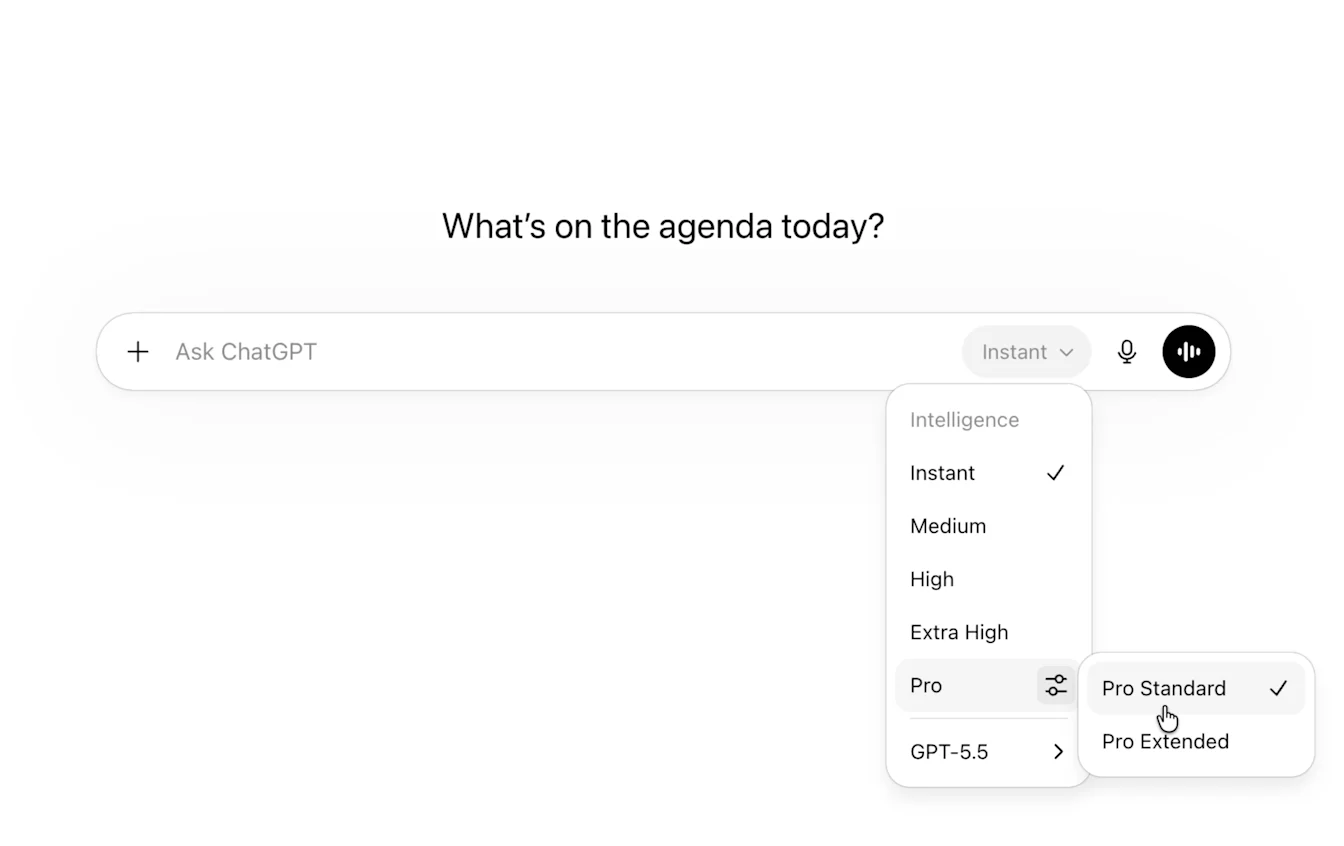
OpenAI has updated its ChatGPT extension for Chrome to read users' open tabs and use that content to shape personalized answers, according to details published Oct. 16. The extension can consider what is already open in the browser when it responds. Engadget
In ChatGPT Chat, you can ask ChatGPT to check open Chrome tabs to answer a specific question. The example given is comparison shopping across three tabs. You can ask it to compare couches by dimensions, prices, delivery time and return policy, with the model reading across the open pages and pulling the results into one answer.
In ChatGPT Work, the extension can also take actions in the browser. It can send messages, fill out forms and organize tabs. Put simply, Chat reads while Work reads and writes.
Two examples describe how Work behaves. It can fill out a form for a new dentist and add the schedule to the calendar. It can also review terms from several contractors open in multiple tabs and draft an email to the best-fitting provider. Both start with reading across tabs and end with a write to another app or tab.
The interaction lives in Chrome's sidebar, which now has access to your whole history and lets you keep talking without switching tabs. The extension is available regardless of ChatGPT plan, so use is not tied to subscription tier. It also works with Chromium-based browsers, meaning browsers built on the same underlying code as Chrome, including Microsoft Edge, Brave and Opera. Engadget
That sidebar overlay is separate from the built-in browser in the ChatGPT desktop app. The built-in browser can open and move between several tabs during one task, and it can start downloads and may ask before saving a file. You open it by selecting New tab and entering a URL, opening a URL from chat, or pressing Cmd+T on macOS or Ctrl+T on Windows and Linux. OpenAI Help
The broader context here is a shift from help based only on what you type to help based on browsing state. Tab context acts like short-term working memory, holding what you have open. That matches how research happens in practice, with options, forms and documentation spread across pages. Reads across tabs are low risk. When reads are combined with form completion, messaging and calendar writes, several steps collapse into one chain, which increases the need for explicit confirmation and review before sending or submitting.
In my view, the sequence here is pragmatic. Summarizing across tabs comes first, then limited action such as organizing tabs, completing intake paperwork or drafting a vendor email for approval. The long-term value is less routine work without leaving the browsing flow. Because history-aware sidebar access persists across tasks, it will need clear rules about when the assistant only reads and when it is allowed to write. Handled well, tab-aware help becomes quiet infrastructure.