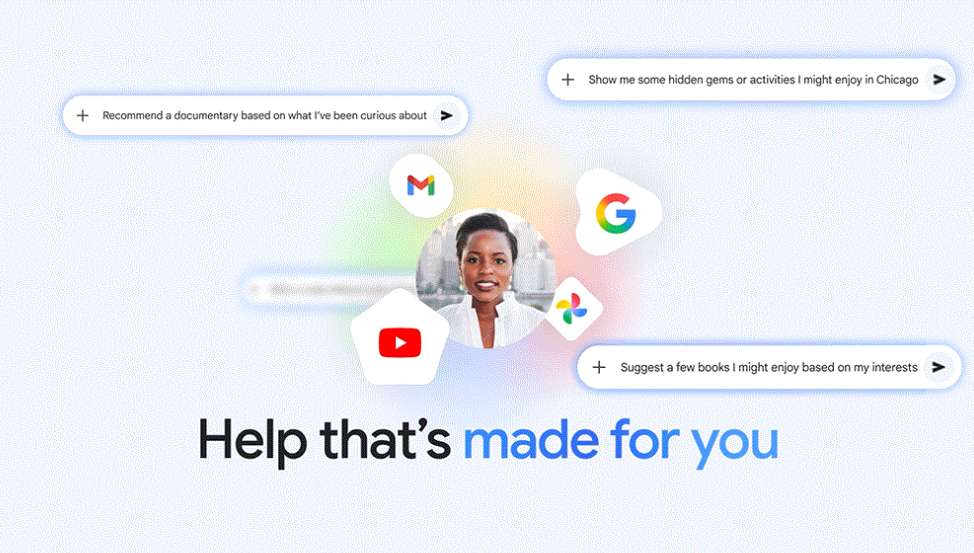
Google Search's AI Mode Can Now Draw on Your Drive and Wallet

Google has expanded Personal Intelligence in Search's AI Mode with integrations for Google Drive, Google Wallet, and the Gemini app, according to TechCrunch, which reported the change on November 23, 2026. Before the expansion, the feature could already connect to Gmail, Google Calendar, and Google Photos.
Connecting apps is optional, and Personal Intelligence can be switched on or off at any time. The Drive integration lets AI Mode draw on documents and spreadsheets to produce personalized answers. Google offers a tailored tax-season plan as an example. The Wallet integration is aimed at budgeting, helping users track financial goals, cut everyday spending, and make better use of credit card rewards. Wallet access is read-only: while an account is connected, AI Mode can read its information but cannot move or manage money.
Google also says users will be able to share context between the Gemini app and AI Mode in Search, so a line of inquiry started in one does not have to be restarted in the other. Temporary threads are now available in AI Mode, according to Google's own Search blog.
Two further changes are forthcoming. Google will add a "Personalization" icon below AI Mode responses, letting users view the context the model used to produce an answer. Google will also show more personally relevant responses in AI Overviews and AI Mode, tailored to a user's recent search context.
On the model side, Google says it is bringing Gemini 4 Hydrogen to Google Search globally to deliver more helpful, visual, and intuitive responses. The company's blog post on the update, titled "A more tailored Google Search that's uniquely yours," was written by Robby Stein, VP of Product, Google Search.
The broader context here is a change in what a search query is expected to know. Earlier personalization in Search mostly meant signals such as location and past queries. Connecting mail, calendar, photos, cloud documents, and payment data turns the query box into a retrieval layer over a user's personal files, with the model reasoning across them. The read-only Wallet connection marks a clear boundary: the system is scoped to analyzing financial data, not to executing transactions. If the Personalization icon ships as described, it is the mechanism that would let users audit that scope, which matters more as more sources are added.
In my view, the opt-in and off-switch design is the right baseline, but the practical question for most users will be granularity. A single toggle is simpler than per-source permissions, and it leaves users to judge, each time, which of several connected sources an answer drew on. The forthcoming context view will determine whether that judgment is practical.
For those building on or around Search, the change raises a different set of questions about how grounding, citation, and provenance will work when answers blend public web content with private documents and financial records. Google has not said how retrieval and ranking across these personal sources will be evaluated, and that detail will matter to engineers.
The practical upside is straightforward. A household that keeps its tax paperwork in Drive, or a user trying to see where a month's card spending went, can now ask Search a question that used to mean switching between apps and reconciling figures by hand. Whether that holds up at scale will depend on how accurately the personal context is applied, and on how clearly users can see what the system used.