Google's New AI Widget Builder for Android: What You Can Create
Google's New AI Widget Builder for Android: What You Can Create
Google has added a new feature called Create My Widget to its Gemini AI assistant on Android. It lets you describe what kind of widget you want — like a weather display or a list of calendar events — and Gemini builds it for you automatically.
This is part of Google's broader push to add AI smarts throughout Android, moving beyond standalone apps and into the core of the operating system itself. Where widget creation once meant downloading specialized apps or waiting for developers to build what you needed, you can now simply ask Gemini and get a working widget on your home screen.
How It Works
When you use Create My Widget, you describe what you want in plain English. You might say, "Show me my next three meetings with a blue background," or "Create a quick-action button that opens my photos app." Gemini's AI takes that request and constructs an actual Android widget—the kind that normally requires coding.
The widget is built on Google's servers using Gemini's AI engine, then sent to your device and installed like any other widget. Android treats it as a standard widget, so it behaves like one: it updates on a schedule, resizes when you move it, and sits on your home screen or lock screen alongside your other widgets.
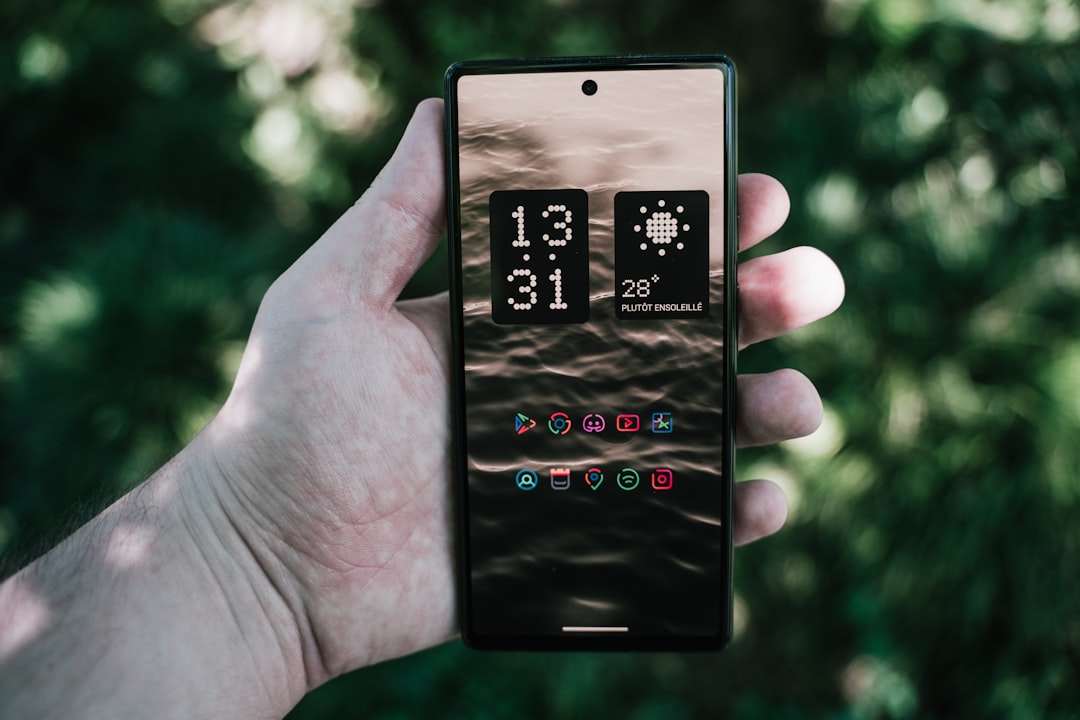
Google says the feature handles common widget types: weather summaries, calendar previews, quick buttons, and information dashboards. Each widget respects Android's standard rules—how often it can refresh, how much battery it can use, and how much space it takes up.
What You Can Customize
The AI lets you control the look and feel: colors, fonts, layout, and size. You can also set how the widget works—what happens when you tap it, how often it updates information, and whether it shows different content based on conditions.
The system can pull data from Google's services (Gmail, Calendar, Photos) if you give it permission, so a widget could surface your next meeting or a recent photo without you having to wire it up manually.
One limitation: Create My Widget is designed for simple, visual widgets rather than complex, interactive applications. You can't build something that does heavy computational work or manages multiple data sources in intricate ways. If you want to modify a widget after it's created, you can adjust it using Android's normal widget settings, but significant changes mean going back to Gemini and rebuilding it.
What This Means for Android and Beyond
The move signals that Google sees AI-powered customization as a core competitive advantage for Android. Apple's iPhone still requires developers to build widgets and distribute them through the App Store—a process that takes time and limits what's possible. Android's approach, by contrast, puts widget creation directly in the hands of users through AI.
Historically, we have seen this pattern before. When Google introduced Google Now cards in 2012, the system automatically surfaced relevant information based on what you were doing and where you were—without you having to ask. Create My Widget takes that same idea of automatic, smart information delivery but flips it: instead of Google guessing what you want to see, you tell Gemini what you want, and it builds it.
For third-party developers who make custom widgets, this could reduce the number of users downloading their apps. That said, the current version of Create My Widget seems aimed at simple, personal-use widgets rather than sophisticated commercial applications that people would pay for or rely on professionally.
The broader shift worth observing is this: Google is embedding Generative AI capabilities deep into Android itself—not just as add-ons or separate apps, but as tools that reshape how you interact with your phone every day. Create My Widget is one more example of that strategy. It also means Google's AI has more direct interaction with how you personalize your device, which extends Google's influence over your mobile experience while potentially reducing your need for third-party customization tools.
This aligns with a longer trend in mobile technology: moving away from static, manually configured home screens toward dynamic, AI-assisted personalization. Over time, devices are expected to adapt to your habits and preferences with less explicit setup on your part. Create My Widget accelerates that shift on Android.