Google Now Lets You Build Your Own Widgets With AI
Google Now Lets You Build Your Own Widgets With AI
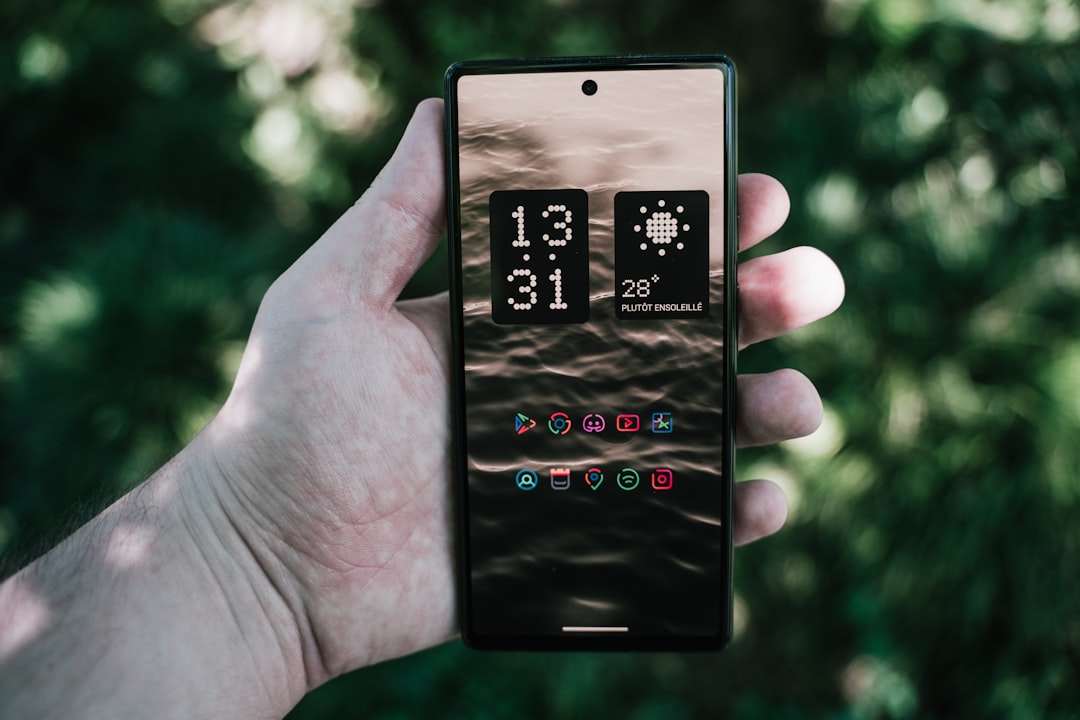
Google has added a new feature called Create My Widget to Android phones. This tool uses artificial intelligence to let anyone build custom widgets — those small app shortcuts and information boxes that sit on your home screen — without needing to write code or download a bunch of apps.
Think of widgets as windows into your apps. A weather widget shows the temperature at a glance. A calendar widget displays your upcoming events. Until now, you could only use widgets that app makers created. Google's new feature flips that around: you describe what you want, and the AI builds it for you.
How It Works
When you use Create My Widget, you talk to Google's AI (called Gemini) in plain English. You might say: "I want a widget that shows me my commute time, my next meeting, and today's weather in one place." The AI understands what you're asking for and builds a working widget that appears on your phone.
The widget itself works like any other Android widget. You can move it around, resize it, and tap it to perform actions. Google's servers do the heavy lifting of creating the widget, then send it to your phone to use. The widget refreshes automatically with new information at intervals you set.
What You Can Create
The feature handles straightforward widgets: weather summaries, your schedule, quick-action buttons, and information dashboards. You can change colors, fonts, and how the widget looks. You can tell the widget when to refresh and what should happen when you tap it.
This is not for building complex, interactive applications. The widgets are designed to be simple, personal, and useful — think of them as custom shortcuts rather than mini-apps.
What This Means for You
Today, if you want a specific widget, you either find an app that has one or live without it. Create My Widget changes that calculation. You can ask for exactly what you need, and the AI will build it.
The broader context here is worth noting. Android has always let you customize your phone more than iPhones do — you can change your home screen layout, use different launchers, install widgets freely. This new feature extends that advantage. Apple's iPhone doesn't have anything like it; iPhone widgets must be built by app developers and distributed through the App Store, which takes time and limits options. Google's approach is faster and more flexible.
Google is also making a larger bet: by embedding AI tools directly into Android itself, rather than hiding them in separate apps, the company is making advanced customization simpler for everyone. You no longer need technical knowledge to create something that used to require coding skills or depend on whether someone else had already built what you wanted.
A Pattern Worth Watching
This fits a pattern we have seen before. Twelve years ago, Google introduced Google Now, which automatically surfaced information you cared about — flights, packages, sports scores — without you having to ask. Create My Widget takes that idea further: instead of Google deciding what information matters, you design your own display.
Over time, Google has been moving AI features deeper into Android itself rather than keeping them isolated in apps. That's a meaningful shift. It means the phone's core software gets smarter, but it also means Google is involved in more of your device's customization, rather than leaving that space to third-party app makers.
This development is likely only the beginning. As AI tools improve, they will probably be woven into more of what Android does — not just widgets, but how your phone organizes notifications, suggests contacts to call, and learns what you care about. The technical barriers that once kept customization tools out of the hands of ordinary users are falling.