Gemini Replaces Assistant on Android Auto: What Changes on Long Drives
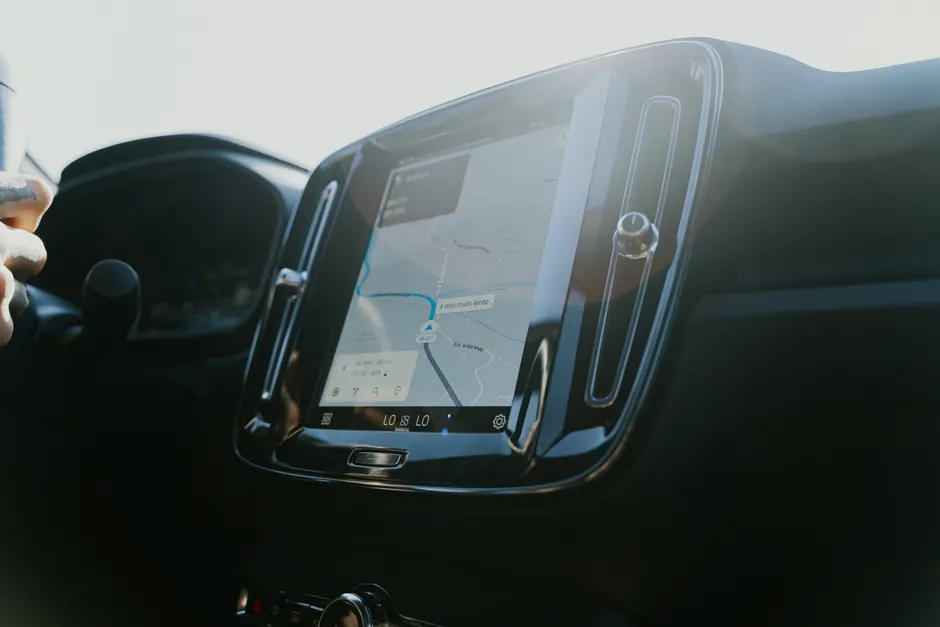
Gemini is rolling out to Android Auto users everywhere, replacing Google Assistant as the in-car voice interface. Engadget lists the switch as one of the best Android Auto updates for making long drives easier.
The switch is user-initiated. On the phone go to Settings > Connected devices > Android Auto > Manage your digital assistant > Digital assistants from Google > Gemini. The path matters for fleet devices and shared cars, where the phone owner controls which assistant answers, not the car screen.
Messaging is where behavior changes in a concrete way. Gemini can sum up multiple chat notifications at once instead of reading each aloud, draft a reply on command, append an ETA to a reply, and translate messages into over 40 languages. Control stays with the driver. Android Auto includes a Show message notifications setting that stops incoming message alerts when off, for night driving or for batching messages at stops. Engadget
Conversation handling shifts from single commands to remembered context across turns. A driver can ask about a restaurant and then ask about parking or reviews without restating the name. That cuts prompt repetition and reduces failed results when queries are short or use words like it or there.
Media control follows the same idea. Gemini can play music from the driver's usual music service from a loose prompt such as 'play something upbeat'. Discovery moves from exact artist, album, or playlist names to mood or activity words that the service maps to playback.
Gemini also connects to Gmail, Calendar, and note-taking apps to pull location details from email and read back the day's schedule. An address in an email thread or calendar entry can be fetched by voice, with no copy and paste on the phone before departure.
The surrounding Android Auto setup still shapes long runs. Dark mode cuts screen glare for night driving. Users can manually change the default video resolution, force day or night mode for set times, and toggle wireless Android Auto. Once paired, wireless connects automatically, with no plug-in step on short repeat trips or long ones.
Continuous connectivity is not assumed. Android Auto supports offline maps and offline media for long drives, plus voice commands to limit touch input while moving. Pre-caching routes and playlists is the method that keeps working in dead zones, mountain passes, and congested holiday corridors where cellular speed drops.
Two details apply to advanced setups. Sideloading apps, or installing them from outside the normal store flow, requires enabling Developer Mode first by going to Settings > About and tapping Build number seven times quickly. There is no hide-app function in the interface, so an app cannot be hidden by long-pressing its icon on the car screen. Visibility is managed elsewhere, not from the car launcher.
The broader context here will be familiar to anyone who has driven with phone projection for years. The dashboard screen stays stable, the phone does the computing, and voice is becoming the primary input.
In my view, context retention and summarization count for more than any single new app link. Long drives bring a steady flow of low-priority interruptions, route refinements, and media choices, and an assistant that batches alerts, keeps names across turns, and pulls destinations from email reduces task switching at speed. For enterprise and platform teams, that link to Calendar, Gmail, and notes smooths the drive but raises questions about voice authentication, passenger privacy, and account hygiene in rental or shared vehicles.