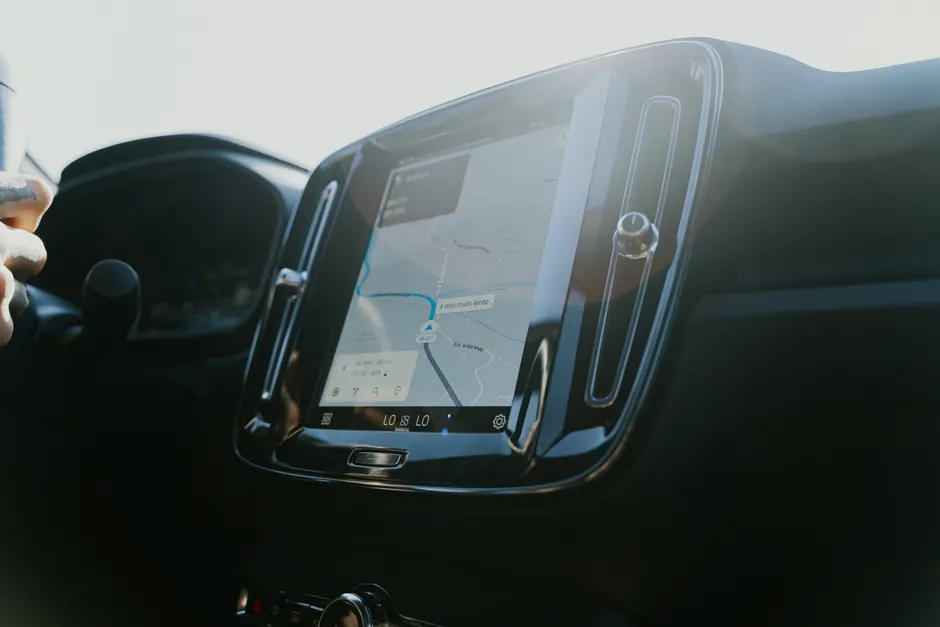
MapQuest Comes to Android Auto in Beta

MapQuest has added beta support for Android Auto, distributed through Google Play. Engadget
First launched in 1996, MapQuest is returning to more dashboards. To use it, install or update the MapQuest app and join the beta program, an early test release. Then connect your phone to the car by Bluetooth or a compatible USB cable, and MapQuest shows up on the car display.
If it does not appear, you can turn it on manually on the phone under Settings > Connected devices > Android Auto > Customize launcher, then check the box for MapQuest. That menu controls which apps the car is allowed to show.
On Android Auto, MapQuest offers turn-by-turn directions, live traffic updates, and route optimization, which automatically adjusts the route to avoid delays. You can search for nearby places such as gas stations or EV chargers, use favorites and saved locations, and search by voice.
The beta also shows a speedometer with your current speed next to the posted limit. It includes crowdsourced incident reporting, meaning alerts built from reports shared by other drivers, so users both share and receive road hazard data.
MapQuest already supports CarPlay on iPhone. 9to5Google
MapQuest said usage rose to 50 times its normal rate during the recent surge of interest, with more than 1.5 million app downloads. It said it reached No. 1 among mapping apps on Apple's App Store. Engadget Doug Berger is the general manager of MapQuest.
The broader context here is handling sudden growth, not just adding another car platform. Releasing Android Auto as a beta limits the first wave of users while the team tests how maps display on different car screens, how voice input holds up, and how traffic data and rerouting perform on real trips. Anyone who has run a service that suddenly gets busy will recognize the pattern. A 50x jump changes what you test first.
Looking at in-car software, matching features across phone, CarPlay, and Android Auto has practical value. It keeps help pages and support simpler, and favorites, saved places, search, and incident reports work the same way no matter which car you plug into. The features highlighted here — EV charger search, speed against the limit, and driver reports — are the ones people use on almost every drive, and the ones that decide whether an app stays installed.
In my view, this beta will be judged on unglamorous details. It comes down to stable performance across car makers' systems, how quickly traffic and reroutes update, and whether there are enough driver reports to be useful. Nostalgia can prompt a download. Day-to-day usefulness keeps it on the phone. If those basics hold, Android drivers get a workable alternative without learning a new system, and MapQuest gets a second in-car outlet for its new audience.