Google's Create My Widget Builds Android Widgets From a Prompt, With Mixed Results in Beta

Google's Create My Widget, an AI feature for building custom Android widgets, is in beta and has just started rolling out to Pixel phones, according to The Verge. The publication tested the feature on a Pixel 11 Pro.
Google announced Create My Widget at its I/O event in the spring. The feature is part of Gemini Intelligence, the set of AI capabilities Google is building into Android. Because it is in beta, availability is limited to the early rollout. It has not reached the full Pixel line or other Android hardware.
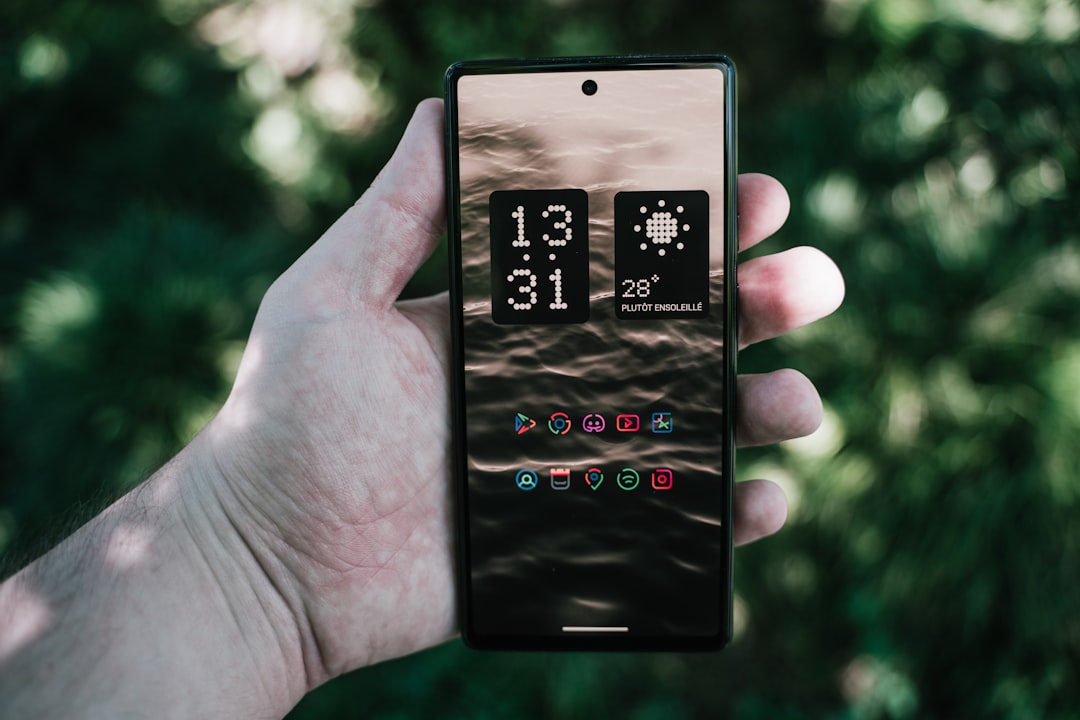
A widget is a small tile on the home screen that shows information or launches something when tapped. The Verge's testing produced mixed results. Several of the widgets the feature generated work as prompt shortcuts: tapping one opens the Gemini interface from the home screen with a preset request. Others display data directly. The publication reported that Create My Widget could build a countdown to a holiday or calendar event, and a widget showing the recent score and upcoming game time for a favorite sports team. One attempt did not succeed. The reporter tried to build a widget showing real-time arrivals at a nearby bus stop and reported that it did not work out.
That split is worth attention for anyone who has built Android widgets by hand. A countdown or score card depends on information that changes on a predictable schedule, or that Gemini can fetch on request. A live transit board depends on a continuously updated data feed from the transit provider, a stream of structured updates the provider publishes for apps to consume. That is a different kind of dependency.
In my view, the bus stop result shows where the feature's reliability is still uncertain. A user should expect a generated widget to handle some data sources well and others poorly, and should check the output before relying on it for time-sensitive information such as departures.
Separately, Google published an article titled "Gemini Intelligence: New features, on more devices," written by Karthik Thirumalai, Product Director, Android AI, on the company's Android blog. According to that post, Gemini Intelligence is rolling out to more devices with expanded capabilities. The Gemini app is now available on lower-memory Android devices, which widens the set of handsets that can run the assistant without a flagship's memory budget. The same update introduced new icons for Google Messages, Phone by Google, and Google Contacts.
The broader context here is the direction of the platform. Create My Widget moves a customization task that once required manual configuration into a prompt-driven flow. The Gemini app's expansion to lower-memory hardware suggests Google wants these capabilities on a broader base of devices than premium Pixel models. Whether the feature holds up across the wider range of data sources people care about is a question the beta does not yet answer.
The reported examples point to a practical result: a home screen that can show a countdown, a team's schedule, or a shortcut into an assistant, without the user writing any widget logic.
In my view, for users who want that, the feature is a useful step. For users who need live transit or other continuously changing feeds, the bus stop test is a reason to verify the widget before depending on it.